Cursor
The AI Code Editor Built on VS Code
Free
An AI agent that works inside your repository rather than beside it — terminal, IDE, browser, Slack and GitHub. Included with Claude Pro at $20/month; heavy use means Max at $100 or more.
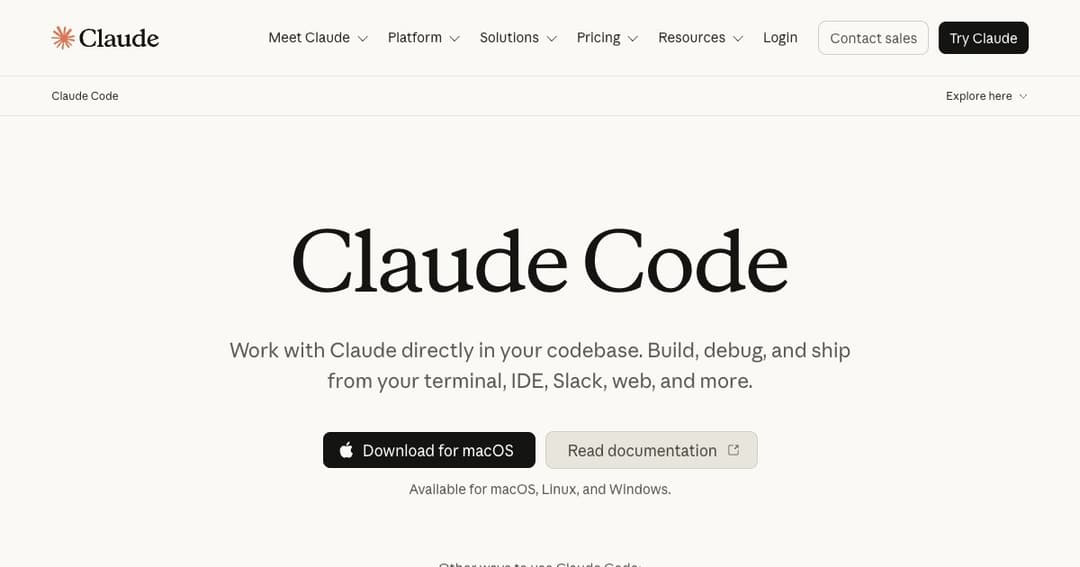
Claude Code is Anthropic's coding agent: you describe an outcome, it reads the repository, edits files, runs commands, checks the result and reports back. The unit of work is a change to a project rather than a completion in a buffer, and that difference is the whole product.
It began as a terminal tool and stayed unusually faithful to that. There is no editor to adopt and no workflow to migrate — it attaches to the directory you are already in. It has since spread to a desktop app for macOS, Linux and Windows, extensions for VS Code and JetBrains, a browser version, mobile apps, a GitHub integration for pull requests and a Slack presence for dispatching work from a conversation.
The surfaces matter less than the model of use. You are not autocompleting; you are delegating, then reviewing. Whether that suits you is the honest question, and it depends more on your appetite for reading diffs than on anything in the feature list.
Given a task, the agent searches the codebase itself rather than waiting for you to paste context. It follows imports, reads the surrounding files and builds an understanding of the change before touching anything. In an unfamiliar repository this is the part that saves real time — knowing which twelve files a change touches is the difficult half of the work.
It also runs things. Tests, builds, linters, git commands, package installs. When a test fails it reads the failure and tries again, which is the loop that separates an agent from a very good autocomplete.
A file called CLAUDE.md at the root of the repository is read on every session — conventions, commands, architecture notes, whatever you would otherwise repeat to a new colleague weekly. It is the single highest-leverage thing to set up, and skipping it is why some teams find the tool generic while others find it fits their codebase precisely.
Beyond that sit skills for packaged procedures, hooks that intercept actions, custom slash commands, subagents for parallel work, and MCP servers connecting the agent to databases, issue trackers and internal documentation. That is a lot of configuration surface. Most people need none of it on day one and half of it by month three.
The agent proposes changes; you approve them. Permission modes control how much it may do unattended, and the sensible default is that anything irreversible asks first. Nothing about this removes the need to read what was written — the work moves from typing to reviewing, and teams that skip the second half get exactly the outcome you would expect.
| Plan | Price | Who it is for |
|---|---|---|
| Free | — | Claude Code is not included on the free plan |
| Pro | $20/mo, or $17/mo billed annually | Short sessions in small codebases |
| Max 5× | $100/mo | Everyday use in larger repositories |
| Max 20× | $200/mo | Agents running most of the working day |
| Team standard | $25/seat/mo, or $20 billed annually | Shared billing, SSO, admin controls |
| Team premium | $125/seat/mo, or $100 billed annually | Five times the standard seat's usage |
| Enterprise | Seat price plus usage at API rates | Spend controls, SCIM, audit logs, compliance |
The pricing has an oddity worth naming: you are buying a Claude subscription that includes Claude Code, not a developer-tool licence. The same plan covers the chat product and everything else bundled with it, which is good value if you use them and slightly strange accounting if you only ever open a terminal.
Usage limits, not features, decide which plan you need. Pro is genuinely enough for short sessions on a small project; sustained agent work on a large repository will exhaust it. Max is where most people doing this daily end up. There is also pay-as-you-go through the API, which suits automation and CI but usually costs more than a subscription for interactive work.
The advantage scales with how much you cannot hold in your head. Joining a project, working across service boundaries, tracing a bug through code nobody has touched in two years — the agent's willingness to read everything is worth more than its willingness to write.
Framework upgrades, API renames, moving hundreds of files to a new pattern. Mechanical, tedious and well specified — the shape of work where an agent pays for a month's subscription in an afternoon and where reviewing the diff is genuinely tractable.
Because conventions live in a file in the repository, they apply to everyone and travel with the code. For teams that have argued about style for years, having the agent follow a written standard is a side benefit that sometimes outlasts the tool.
Because it runs headless, it fits into scripts, scheduled jobs and CI. Dependency audits, release notes, triage passes over failing tests — work that was never worth a person's afternoon but is worth a scheduled run.
No. It is included with Claude Pro at $20 a month, or $17 monthly if you pay for a year up front, and with the Max, Team and Enterprise plans. The free Claude plan does not include it.
No. There are desktop apps for macOS, Linux and Windows, extensions for VS Code and JetBrains, a browser version, mobile apps, a GitHub integration and a Slack integration. The terminal is the original surface, not the only one.
Copilot is an extension inside your editor and Cursor is an editor you switch to. Claude Code is neither — it attaches to the project rather than the editing environment, which is why it runs equally in a terminal, in CI or from Slack. If you want the AI in your editing UI, the other two fit better; if you want it running tasks across a repository, this does.
Start on Pro. If you hit usage limits regularly — which happens quickly with long agent sessions on a big codebase — move to Max. The step from Max 5× to 20× buys headroom, not capability.
Code is sent to Anthropic's servers to be processed. Business plans state that customer content is not used for model training by default, and Enterprise adds retention controls and audit logs. If you work under confidentiality obligations, read the current terms rather than trusting a summary.
Yes — headless runs, scheduled jobs and CI pipelines are supported, and permission modes control what it may do unattended. Give it a narrow task and a way to verify its own work; unattended agents on vague instructions are where the horror stories come from.
Claude Code is the clearest expression of the agent model of AI coding: not a smarter autocomplete but a collaborator you hand a task to. On a large codebase, on a migration, or on work you understand but do not want to type, it changes the shape of the day. On small, familiar projects the gain is real but smaller, and Pro is enough to find out.
The costs are honest ones. There is no free tier, usage limits bite sooner than you expect, and the review burden is now yours in a way it was not before. Write your conventions into the repository, read every diff, and keep the tasks narrow enough that you can tell when the answer is wrong.