Continual
AI Agent Platform for Workflow Automation
The connective tissue between the apps a business already runs — plus agents, tables, forms and an MCP layer for AI assistants. Free tier is a demo; real use starts around $20/month.
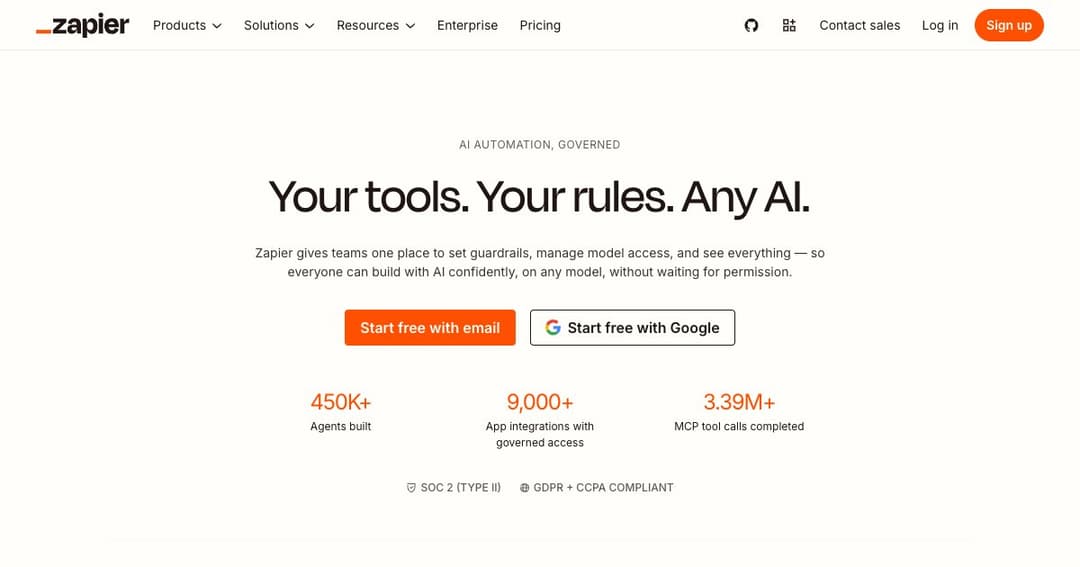
Zapier connects the software a business already runs so that something happening in one app causes something to happen in another. A form is submitted, a row appears in a spreadsheet, a message lands in Slack, an invoice is drafted — without anyone copying anything by hand.
It has been doing this since long before the current wave of AI, and its advantage is unglamorous and very hard to copy: it speaks to over nine thousand applications, including the obscure one your finance team refuses to give up. Competitors have better editors and lower prices. Almost none of them have the integration list.
The company now describes itself in terms of AI orchestration rather than automation, and that is more than marketing. The platform has grown agents, chatbots, its own database and forms, and a layer that lets external AI assistants take actions across your connected apps. But the foundation is still the same: a trigger, some steps, and nine thousand things to point them at.
A trigger and a sequence of actions, assembled in a visual editor with no code. Add branching logic, filters, delays and formatting and you have most business process automation covered. The two-step version is genuinely simple; anything real needs multiple steps, which is a paid feature.
Where a Zap follows the path you drew, an agent decides. You give it instructions, access to your company data and a set of apps, and it works out which actions to take — on a trigger, on a schedule, or when you ask. This is the genuinely new part of the product, and it is the one that most needs supervision before you let it near anything that sends email.
Somewhere to store data, somewhere to collect it, and somewhere to put a simple interface on top. None of these would win against a dedicated tool, but having them inside the automation platform removes the most common reason a small workflow becomes a project — needing a database and having nowhere to put one.
The MCP layer lets an outside AI assistant — one you already use — take real actions across your connected apps. The SDK does the same for code. Between them, Zapier is quietly repositioning as the action layer other AI products call rather than the place you go to build workflows, which may turn out to be its most durable role.
Zapier does not bill by workflow or by user on the individual plans. It bills by task — and a task is not simply «one automation run». Every step in a Zap and every external connector call consumes tasks, and the rate varies: a more powerful AI model, a longer piece of code or a particular connector type costs more than a simple field update.
Everything draws on one shared pool. Zaps, AI steps, code, MCP calls and SDK calls all spend from the same allocation, with no separate budget per product. That is simpler than it used to be, but it also means an experiment with an AI step can quietly consume the month's allowance for your invoicing workflow.
The practical consequence is that the headline price is a floor, not a price. Plans start at a low task volume and rise as you buy more, so the number you see on the pricing page belongs to a business doing very little. Estimate your monthly volume — steps, not workflows — before comparing costs with anything else.
| Plan | Price | What it unlocks |
|---|---|---|
| Free | $0 | 100 tasks a month, two-step Zaps only, unlimited Zaps, Tables and Forms |
| Professional | from $29.99/mo, or $19.99 billed annually | Multi-step Zaps, premium apps, webhooks, AI fields, email and chat support |
| Team | from $103.50/mo, or $69 billed annually | 25 users, shared workflows and connections, SAML SSO, priority support |
| Enterprise | By request | Unlimited users, admin controls, annual task limits, observability, account manager |
Annual billing saves about a third. Agents and chatbots are sold as add-ons rather than being included. Every price above is the entry point for its plan and climbs with the task volume you select.
Treat the free tier as a demonstration rather than a plan. A hundred tasks is a few days of one modest workflow, and the two-step limit rules out anything with a filter or a condition — which is to say, almost everything worth automating.
The core audience, and the reason the company exists. If the alternative to Zapier is a person copying data between two systems every morning, the subscription pays for itself in the first fortnight and keeps paying.
Lead routing, enrichment, handoffs between sales tools, notifications that reach the right person. This work is too specific for off-the-shelf software and too small to justify engineering time, which is precisely the gap Zapier fills.
The integration count is the argument. When your stack includes one tool nothing else supports, Zapier is often the only option that does — and that alone decides the purchase more often than any feature comparison.
If you already work with an AI assistant and want it to actually do things — update a record, send a document, file a ticket — the MCP layer is the shortest route from conversation to action across a stack you already run.
There is a free plan with 100 tasks a month and two-step Zaps. It is enough to understand the product and not enough to run a business on. Multi-step workflows begin on the paid tiers.
Every step in a Zap and every external connector call. Rates vary — heavier AI models, longer code runtimes and certain connector types consume more. Zaps, AI steps, code, MCP and SDK all draw from one shared monthly pool.
Over nine thousand. That breadth is the main reason to choose Zapier over a cheaper competitor, particularly if your stack includes anything unusual.
A Zap follows the exact path you built. An Agent is given a goal, context and a set of apps, and decides what to do. Zaps are predictable; agents are flexible and need more supervision.
Make is usually cheaper per operation with a more visual editor. n8n can be self-hosted, which changes the cost curve entirely at volume and keeps data on your own infrastructure. Zapier wins on integration coverage, reliability and how quickly a non-technical person gets something working.
Yes — that is what the MCP layer is for. It exposes actions across your connected apps to an outside AI assistant, so it can do things rather than only describe them. Those calls consume tasks like anything else.
Zapier is infrastructure that most businesses stop noticing once it works, which is the highest compliment automation software can earn. Its integration list remains the strongest argument in the category, and the newer agent and MCP layers give it a plausible role in a world where AI assistants need somewhere to act.
Go in with an estimate of your monthly task volume rather than the headline price, and start with predictable Zaps before handing anything to an agent. If your automation is high-volume and you have engineering capacity, price a self-hosted alternative first — the gap widens with scale.