Bertha.ai
Copywriting & Image Generator for WordPress
The image models behind a large share of what you already use, sold by the megapixel rather than the month. Pay-as-you-go from under two cents an image, plus video and self-hosted weights.
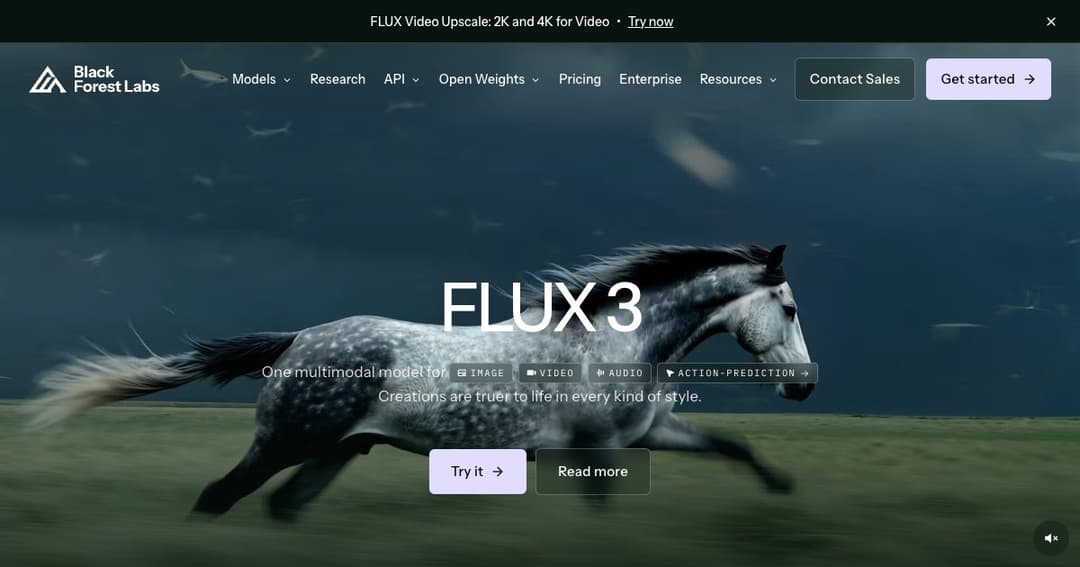
FLUX is a family of image and video models from Black Forest Labs, a German company founded by researchers who had previously built Stable Diffusion. It is not an app you sign into and start making pictures in — it is the engine, sold through an API, licensed for self-hosting, and embedded in a great many products you have already used without being told what was underneath.
That distinction is the single most useful thing to understand before evaluating it. If you want a place to type a prompt and get an image, you want one of the tools built on FLUX. If you are building something, or you care about cost per image at volume, or you need the model on your own hardware, you want FLUX itself.
There is a playground for trying it directly, but the product is the model. Everything about the pricing reflects that: no seats, no subscription, no monthly minimum — you are billed for pixels you actually generate.
The newest generation is a single multimodal model covering image, video and audio together, while the previous image family is still sold as separate tiers on the pricing page. Two generations coexisting is normal here and worth checking before you commit — what follows describes the structure of the pricing, which changes more slowly than the model names.
The current image family runs from a maximum-fidelity tier aimed at commercial production work down to compact variants built for throughput and low latency. The trade is the obvious one — visual quality against speed and cost per image — but the spread is unusually wide, from around seven cents for the top tier down to well under two cents for the smallest.
All of them handle reference images, which is where FLUX earns its keep in production. Feeding in an existing image and asking for a variation, an edit or a consistent character across a set is the workflow most people actually need, and it is billed separately per megapixel of reference input — worth knowing before you plan a pipeline around it.
Video generation is priced per second of output rather than per clip, split by resolution band and by whether you are generating from text and stills or transforming existing footage. Audio is included at no extra charge, and clips run up to twenty seconds. There is a cheap draft mode for exploration and a full-quality render for the take you keep — a sensible structure, since most generated video is thrown away.
Alongside the generation models sit tools for inpainting, outpainting, structural conditioning and similar work. These matter more than they sound: the difference between a demo and a production pipeline is usually whether you can constrain the output, not whether the model can draw.
| Tier | First megapixel | Each extra MP | Best for |
|---|---|---|---|
| Max | $0.07 | $0.03 | Highest fidelity, commercial production, up to 4 MP |
| Pro | $0.03 | $0.015 | Quality against speed, high-volume professional work |
| Compact 9B | $0.015 | $0.002 | High throughput, low latency, real-time uses |
| Compact 4B | $0.014 | $0.001 | Maximum speed, lowest cost per image |
| Flex | $0.05/MP | $0.05/MP | Flat per-megapixel billing, no per-image minimum |
Video is billed per second of output. Draft generation starts at six cents a second; full-quality text-to-video runs from seventeen cents a second at HD, and transforming existing video costs more than generating from scratch. A five-second HD clip therefore lands under a dollar, which is the number worth holding on to.
Resolution rounds up to the next whole megapixel, separately for the output and for each reference image, and partial seconds of video round up too. Neither is unusual, but both mean your real cost sits slightly above the arithmetic — budget accordingly rather than discovering it on the invoice.
There is no free tier at the source. The cheapest honest way to evaluate FLUX is through one of the third-party services that host it, several of which do give you free generations.
Some FLUX models are released as open weights, which is a large part of why the family spread so fast — it landed in local image-generation communities and stayed there. But open weights are not the same as free, and this is the detail that catches people out.
Non-commercial use has its own licence terms. Commercial self-hosting requires a paid licence, sold in tiers that differ by which models you get, how many images a month you may generate, how many domains you may deploy on and how many licensed users you have. Prices are not published for most tiers — the entry tier is purchasable directly, the rest go through sales.
Fine-tuning and LoRA rights are included in the self-hosted licences, which is the reason most people want the weights in the first place. If your plan is a model trained on your own brand assets running on your own infrastructure, this is the route — read the terms properly first, because the limits are per-month and per-domain rather than one-off.
The clearest case. Pay-per-use with no seat fees means a feature that generates a hundred images a month costs a couple of dollars, and one that generates a million scales linearly with no renegotiation. That is a much easier thing to put in a product than a subscription you have to resell.
Catalogue imagery, ad variants, thumbnails at scale. When you are generating thousands of images the difference between three cents and one and a half cents stops being trivia, and the ability to route cheap exploration to a compact model and final renders to the top tier is worth designing around.
Self-hosting is the reason a lot of organisations choose FLUX over the closed alternatives. If your images cannot leave your infrastructure, the question of which model is best narrows very quickly to the ones you can actually run.
Consistent characters, a house style, a specific product rendered correctly every time. Fine-tuning rights on a self-hosted licence make this possible in a way that prompt engineering against a closed API does not.
Not from Black Forest Labs directly — the API is pay-as-you-go with no free allowance. Some models are released as open weights with non-commercial licence terms, and several third-party services that host FLUX offer free generations, which is the practical way to try it without spending anything.
Between roughly one and a half and seven cents for the first megapixel depending on the tier, with additional megapixels and reference images billed on top. For most people a normal-sized image on the mid tier costs about three cents.
Through the paid API, yes. Self-hosted is different: commercial use requires the appropriate paid licence, and the non-commercial terms do not cover it. Sort this out before building a business on it, not after.
Yes, for the models released as open weights, subject to the licence that fits your use. Self-hosted commercial licences also carry fine-tuning and LoRA rights, which is usually the point of running it yourself.
They are different kinds of product. Midjourney is a finished experience with a monthly subscription and a strong aesthetic point of view. FLUX is a model you build with, billed per image, with no opinion about your interface. Judge them on what you are trying to do rather than on output quality alone.
Black Forest Labs runs a playground and an API. Beyond that, FLUX is available through most of the large model-hosting platforms and is built into a long list of consumer creative tools — often without being named on the interface.
FLUX is the quiet answer to the question of what most AI image tools are running underneath. Its value is in the pricing model and the deployment options rather than in any single dramatic capability: cents per image, no subscription, and a route to running the thing yourself if you need to.
If you are building a product, generating at volume, or bound by rules about where your data may go, start here. If you just want to make pictures, pick one of the tools built on it and let someone else handle the megapixel arithmetic.