Lovable
Build and Ship a Working App by Describing It
Free
Describe a web or mobile app in plain language and Emergent writes, designs and deploys it. You keep the code. Free tier with 10 credits; paid from $17 a month.
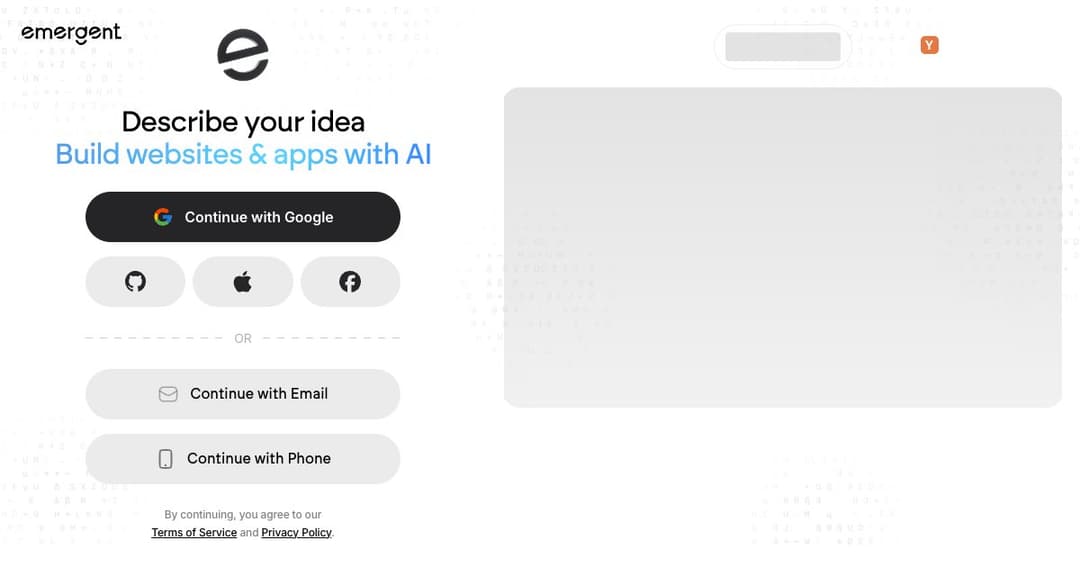
Emergent builds working applications from a description. You say what you want in ordinary language, and it handles the coding, the design and the deployment — web apps, mobile apps, dashboards, shops, internal tools. The pitch is that you never see a terminal unless you want to.
It arrived into an already crowded category. Lovable, Bolt, v0 and Replit all do a version of this, and telling them apart from marketing copy is nearly impossible. What sets Emergent apart is less the concept than the trajectory: launched in 2025, it reports more than five million users across 190 countries and says it has passed $100 million in annual recurring revenue, backed by Khosla Ventures, SoftBank, Lightspeed, Y Combinator and Google's AI Futures Fund.
Those are the company's own figures and worth treating as such. But growth at that speed is unusual even in this field, and it tends to mean the output is good enough that people keep paying rather than abandoning the project after the demo.
You describe the thing you want and refine it by talking. There is no component library to learn, no drag-and-drop canvas, no framework decision to make first. For people who know exactly what they want but not how to build it, this removes the step that usually stops them.
The trade is the one every tool in this category makes: the more precisely you can describe software, the better the result. Vague descriptions produce generic applications, and the skill that matters here turns out to be specification rather than programming.
Most of the prompt-to-app tools stop at web. Emergent covers mobile applications too, which matters because the alternative for a non-developer with a mobile idea has historically been hiring someone or giving up.
It also covers the less glamorous middle ground — internal business tools, dashboards, admin panels. That category is where generated software is most defensible, because the audience is twelve colleagues rather than the open market, and nobody is judging the design.
Every plan includes code ownership and GitHub integration. This is the detail to check in any tool of this kind, and it is the one that decides whether you have built an asset or rented a demo.
With the code in your own repository, a project that outgrows the platform can be handed to a developer and continued normally. Without that, outgrowing the tool means rewriting from scratch — which is the quiet cost that catches people about six months in.
Pricing is metered in credits, with a free tier to try it and a large gap between the two paid tiers.
| Plan | Monthly | Annual | Credits | For |
|---|---|---|---|---|
| Free | $0 | $0 | 10 per month | Trying it out |
| Standard | $20 | $17 | Higher allowance | Regular building |
| Pro | $200 | $167 | Much higher allowance | Daily, professional use |
| Enterprise | Custom | Custom | Custom | Teams with procurement |
The ten free credits a month renew, which is more generous than the one-off allowances common elsewhere — but ten is a small number when a single ambitious request can consume several. Treat the free tier as a way to judge output quality, not as a plan to build on.
The jump from $20 to $200 is the decision that matters, and it is a tenfold one. Standard suits someone building a project at weekends; Pro is priced for people whose work this is. There is no comfortable middle, so be honest about which you are before subscribing.
Getting from a concept to something users can click is the point at which most ideas either gain momentum or quietly die. Doing it in a day rather than a quarter changes how many ideas you can afford to test.
Every company has a list of small applications that would help someone and will never justify developer time. This is exactly the shape of work generated software handles well, and the low stakes make the trade-offs acceptable.
Because the code lands in GitHub, an engineer can use this for scaffolding and then work normally. Generating the boring 60% of an application and hand-finishing the rest is a legitimate workflow, not a compromise.
Showing a client a working prototype instead of a wireframe changes the conversation. Pro pricing makes sense when a prototype is billable work rather than a personal experiment.
There is a free plan with 10 credits a month, renewing rather than one-off. Paid plans start at $17 a month billed annually, or $20 monthly.
Yes. Code ownership and GitHub integration are included on every plan, which means a project can leave the platform and continue in a normal development workflow.
Yes, alongside web applications, dashboards, ecommerce sites and internal tools. Mobile support is one of the things that distinguishes it from the web-only tools in the same category.
No, and that is the premise. What you do need is the ability to describe precisely what the application should do — which turns out to be the harder half of software development anyway.
They occupy the same ground and the honest answer is that output quality on your specific project decides it, not feature lists. Emergent's mobile support and its growth trajectory are the arguments in its favour; try the same brief in each before choosing.
For internal tools and early-stage products, yes, and plenty of people are doing it. For anything handling payments, personal data or scale, have someone who reads code review what was generated before it goes live.
Emergent is a credible entry in the most contested category in AI tooling, and its growth suggests the output holds up better than most. Mobile support and unconditional code ownership are the two features that would decide it for me against the alternatives.
Judge it on your own brief rather than on anyone's description, including this one. Ten free credits will tell you whether the quality is there, and if it is, the real question is only whether you are a $20 builder or a $200 one.