Flowrite
AI Email Writing and Management Assistant
Free
Mailbutler’s Smart Assistant helps you manage your inbox with AI-powered tools like Smart Compose, Respond, Summarize, and Task Finder—fully GDPR-compliant and easy to use.
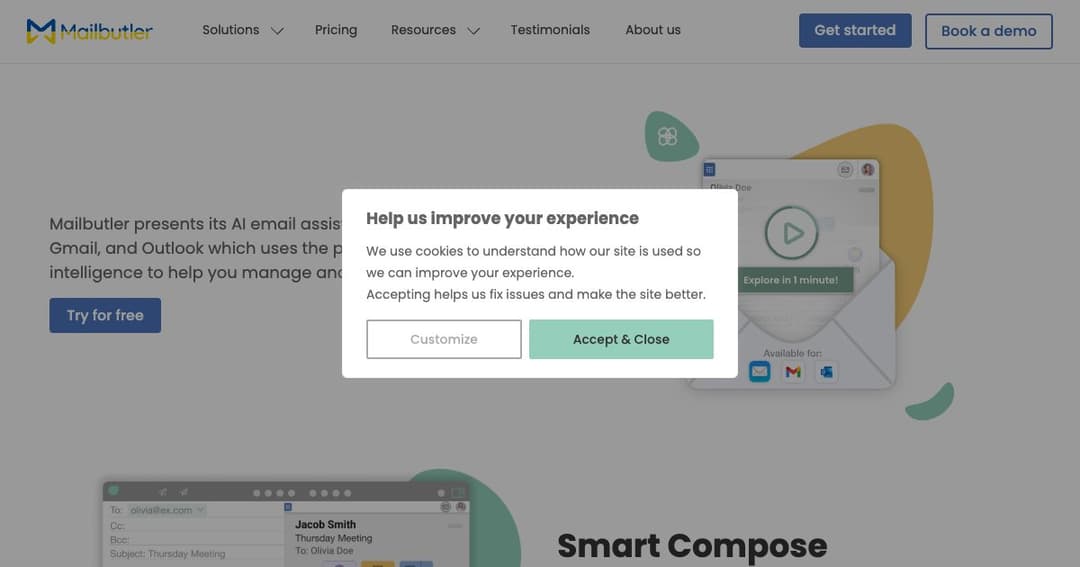
Mailbutler Smart Assistant is an AI-powered extension designed to enhance your email workflow across Apple Mail, Gmail, and Outlook. It simplifies communication tasks, helping you write, respond to, and organize emails more effectively without switching platforms.
Designed with GDPR compliance in mind, Mailbutler ensures user data is handled with the highest standards of security and privacy. All processing is done using secure EU-based servers, giving users peace of mind while working smarter with their inbox.
With Smart Compose, you can generate entire emails by entering just a few keywords. The assistant creates a message draft that you can review and modify before sending, saving time on repetitive or routine email writing.
The Smart Respond feature generates appropriate email responses with just a click. You can also provide additional context with the «With details» option to fine-tune the reply before inserting it into your message thread.
Need to adjust tone or format? Mailbutler allows you to tweak the output’s tone, length, and language through the Tuning feature, ensuring your emails reflect the right style for every situation—from casual updates to formal replies.
Improve your message clarity and correctness with Smart Improve. This feature checks grammar, punctuation, and overall readability, helping you send polished emails that maintain a professional tone.
The Contact Finder identifies important contact details directly from your emails and adds them to your Mailbutler contact database. This keeps your address book updated without manual entry.
Emails often contain tasks, and Mailbutler extracts them for you. With Task Finder, to-dos are listed and can be added to your task manager in a few clicks—helping you stay organized and never miss a follow-up.
For long or complex messages, Smart Summarize distills the key points into a brief overview. This helps you quickly understand what’s important without reading through lengthy threads.
Whether you handle a few emails a day or manage hundreds, Mailbutler adapts to your volume and needs. Its seamless integration means you can keep using your preferred email app while benefiting from powerful AI support.