Warp
The AI-Powered Terminal for Faster, Smarter Coding
Free
Write code faster with GitHub Copilot—your AI pair programmer. Use chat, agent mode, and code suggestions across VS Code, JetBrains, CLI, and more. Try free today!
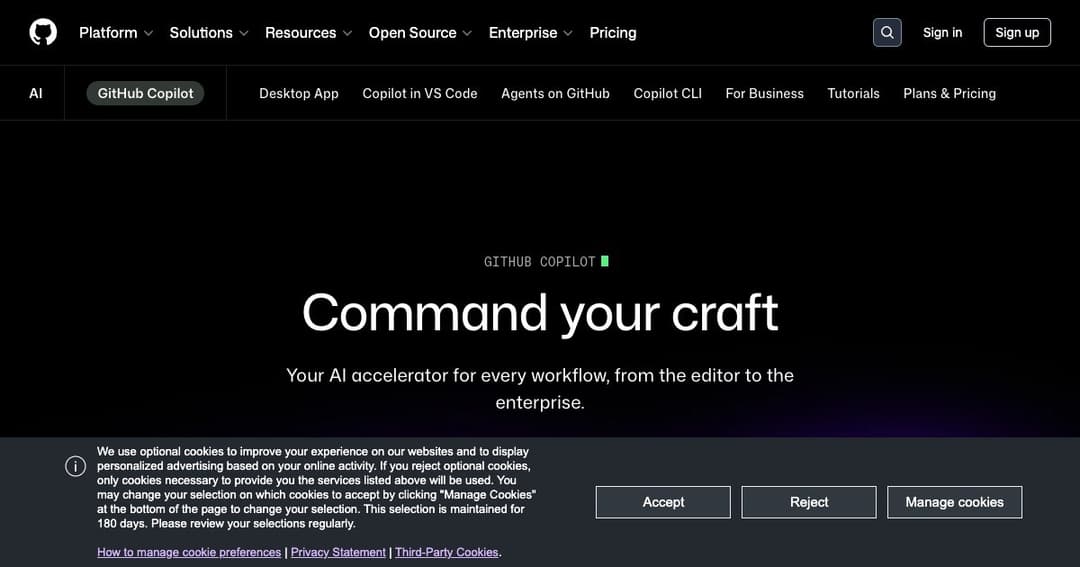
GitHub Copilot is a powerful AI-powered coding assistant that helps developers write, review, and understand code faster. Seamlessly integrated into your favorite development environments, Copilot supports real-time suggestions, code completions, and intelligent chat—all designed to boost productivity and reduce repetitive tasks.
The new Agent Mode takes GitHub Copilot to the next level. It can analyze your project, suggest sweeping edits, coordinate changes across files, and even validate code with test runs—all while keeping you in control.
Start typing and Copilot will complete entire functions or lines of code based on context. It adapts to your coding style and project, providing intelligent recommendations that reduce the need for boilerplate code.
GitHub Copilot lets you switch between leading AI models like GPT-4o, Claude 3.7 Sonnet, and Gemini 2.0 Flash to tailor performance based on your needs—whether it's speed, precision, or deep contextual understanding.
Make one change and Copilot shows you how it impacts the rest of your project. This keeps your codebase consistent and helps avoid hidden issues caused by ripple effects.
Ask coding questions, get debugging help, or explore new features in real-time—all within your IDE. Copilot Chat supports natural language queries and offers smart, actionable responses instantly.
Copilot scans your code, catches bugs, and even fixes common errors before they reach your human reviewers. It acts as a first-pass reviewer, saving your team valuable time.
GitHub Copilot is available across VS Code, Visual Studio, JetBrains IDEs, Xcode, Neovim, Eclipse, and even the command line. It also supports mobile devices via the GitHub Mobile app.
GitHub Copilot offers enhanced features for businesses, including single sign-on (SSO), private model choices, security and privacy controls, and access management across teams.
By integrating into workflows and enabling smart automation, Copilot helps teams maintain consistency, reduce technical debt, and onboard new developers more efficiently.
A limited-use plan that includes 2,000 code completions and 50 agent/chat requests per month. Ideal for trying out Copilot’s core features.
Includes unlimited completions, chats, and agent mode, access to advanced models, and priority features like code review.
Unlocks maximum flexibility with full access to all available models and significantly higher request limits.
Verified students, teachers, and maintainers of popular open-source projects can use GitHub Copilot at no cost.
Whether you’re writing backend APIs, front-end components, or scripts, Copilot speeds up your workflow by handling boilerplate and suggesting best practices.
Copilot is also a great tool for learning new programming languages or frameworks by showing real-time examples and contextual explanations.
Use Agent Mode or Copilot Chat to uncover and fix bugs across your codebase, making large-scale edits easy and efficient.
Reduce time spent writing repetitive code or searching for documentation. Copilot brings the answer directly to your editor.
With built-in suggestions, refactoring tips, and code reviews, Copilot helps maintain clean, readable, and consistent code.
From solo developers to large teams, GitHub Copilot improves collaboration and speeds up software delivery through intelligent automation.