SpeechGen
AI Text-to-Speech Converter for Realistic Voiceovers
Create professional AI voiceovers with VoiceOverMaker. Convert text to speech in 600+ voices and 30+ languages. Free to use, no subscription required.
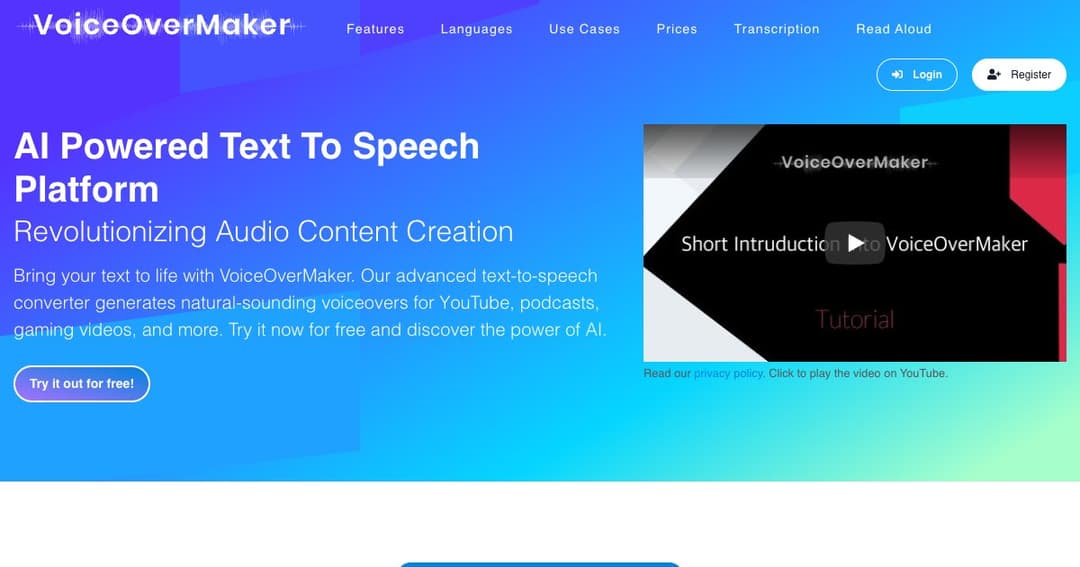
VoiceOverMaker is a browser-based platform that turns your text into natural-sounding speech. It's perfect for YouTube videos, podcasts, tutorials, audiobooks, and marketing content. With over 600 voices in 30+ languages, it offers unmatched versatility and control, whether you're narrating a blog, adding voice to a screen recording, or producing audio for e-learning courses.
You can edit your audio or video files directly in the cloud, without uploading large files. Add pitch shifts, adjust speed, insert pauses, and even make your voice whisper or breathe — all through a powerful, modern interface that runs right in your browser.
Customize every aspect of your voiceover using SSML, pitch and speed settings, and word-level effects. This makes it easy to produce studio-quality narration for any type of project.
VoiceOverMaker supports over 30 languages and dialects. You can also automatically translate your scripts to reach global audiences with localized voiceovers.
Export your work in multiple formats. Whether you’re creating an MP3 for a podcast, WAV for high-quality production, or MP4 for video platforms, the output is ready for publishing.
Generate clear, engaging narration for explainer videos, vlogs, tutorials, and product reviews. Save directly in MP4 to speed up production for your YouTube channel.
Turn long-form content like articles or eBooks into audio form using realistic AI-generated voices. VoiceOverMaker helps expand your reach to audio-first audiences.
Perfect for course creators and trainers, you can produce consistent, multilingual voiceovers with educational tone and clarity that scales across modules and lessons.
Add an audio layer to your website for better user experience and accessibility compliance. VoiceOverMaker’s audio player can be embedded with just a few clicks.
Use AI-generated voices for automated phone systems or interactive voice response (IVR). Deliver professional and friendly prompts that improve customer service flow.
Record your screen directly in the browser and add AI-generated narration. Great for creating how-to videos, walkthroughs, and internal training content.
Convert multiple documents or text blocks at once with batch processing tools. Ideal for authors, bloggers, or developers automating repetitive tasks.
Invite team members to join your projects and work together on voiceover creation, translations, and content review — all in one platform.
VoiceOverMaker uses cutting-edge WaveNet speech synthesis for ultra-realistic sound. Voices mimic human tone, pacing, and emotion far better than traditional text-to-speech tools.
No subscriptions. Simply purchase credits based on your needs. You can start for free and upgrade as your project grows, making it one of the most affordable tools in its category.
All generated voiceovers (even on paid plans) are licensed for commercial use, so you can safely publish your content across platforms and channels.