Arcwise AI
AI-Powered Data Analysis Inside Google Sheets
Teachable Machine lets anyone train image, sound, and pose recognition models in minutes—no coding required. Use your models in websites, apps, or physical devices with ease.
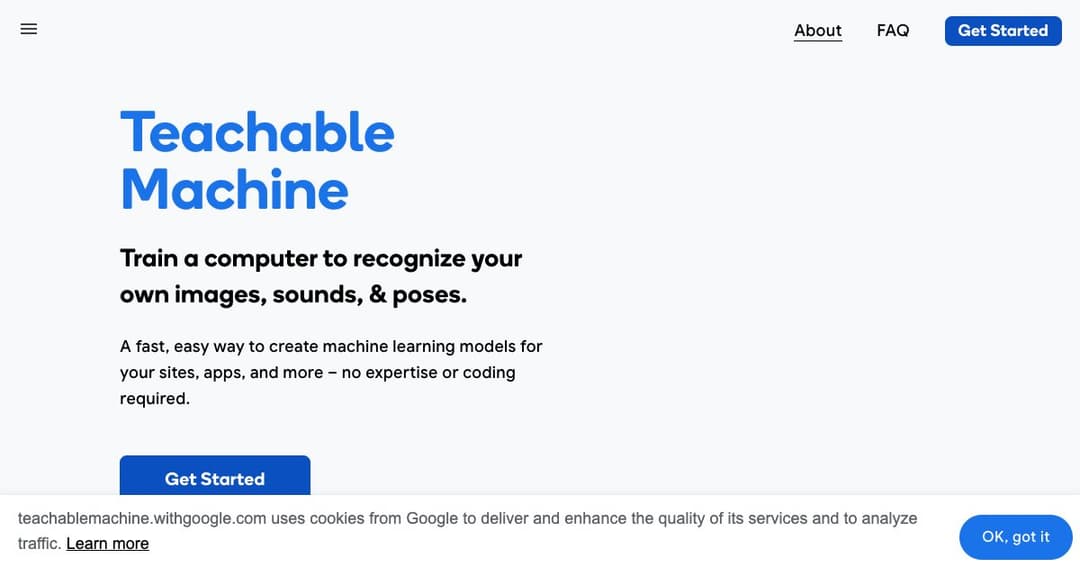
Teachable Machine is a web-based tool by Google that allows users to create their own machine learning models without any coding or prior technical knowledge. With just a few clicks, you can teach a computer to recognize images, sounds, or poses, and use these custom models in your websites, apps, or even physical devices.
The platform is designed to make machine learning approachable and intuitive. It uses a simple workflow: gather examples, train the model, and export it for real-world use. Whether you're a student, educator, hobbyist, or developer, Teachable Machine offers a hands-on way to explore how AI works.
Users start by collecting and labeling examples into different categories. These examples can be images, audio recordings, or body poses. You can upload files or record samples live using your webcam or microphone.
Once you’ve organized your data, Teachable Machine lets you train your model instantly. During training, it learns to recognize the patterns in your examples and prepares to classify new inputs based on what it’s learned.
After training, your model is ready for use. You can download it, host it online, or integrate it with tools like TensorFlow.js. It works with a variety of platforms, including JavaScript apps, Arduino devices, and edge computing tools like Coral.
Train your model to recognize images using uploaded files or your webcam. This can be used for object detection, visual sorting, or even interactive art projects.
Use short sound clips to teach your model how to identify different noises. This is perfect for audio-based interactions or accessibility features.
Create models that recognize body movements or gestures through your webcam. It’s great for games, dance interactions, or physical therapy aids.
Teachable Machine is used in classrooms worldwide to teach concepts like classification, bias, and responsible AI design. Lessons span from simple tech demos to deeper explorations of algorithmic ethics.
Examples include interactive dance experiences, communication devices using facial gestures, and DIY robotics projects. These showcase how flexible and creative Teachable Machine can be across learning environments and skill levels.
Your trained models are compatible with a range of tools. Developers can use them in JavaScript projects via TensorFlow.js, or export them for use in physical computing projects with Arduino and Coral.
Teachable Machine respects user privacy. You can use it completely on-device, meaning no webcam or microphone data needs to be sent to external servers. This makes it a safer choice for classrooms and personal projects.
Artists and developers have used Teachable Machine with platforms like P5.js, Node.js, and OBS to create interactive art, augmented video calls, and browser games.
Innovators have built tools to support communication, like triggering sound responses with facial gestures or recognizing head movements for device control.