Ghostwrite
AI Email Assistant for Gmail, Outlook, and Zendesk
Remail helps you write and reply to emails 10x faster using AI. Summarize, customize tone, and respond in seconds with a browser extension that works across the web. Try it free today.
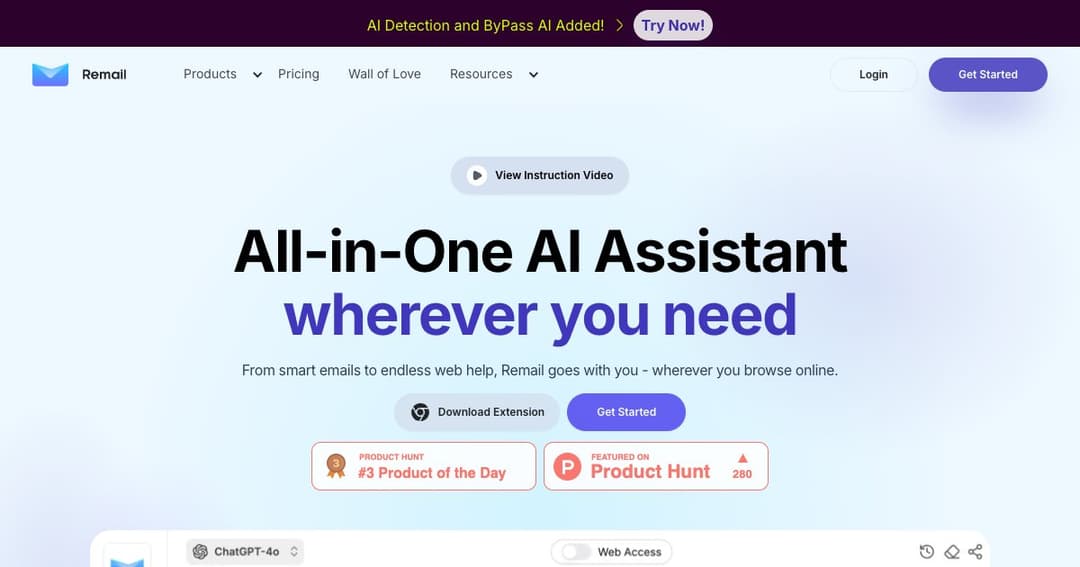
Remail is an all-in-one AI-powered assistant that helps you write, reply to, and manage emails faster and more efficiently. Designed to integrate seamlessly with Gmail and other web platforms, Remail lets users generate polished, context-aware emails with just a few clicks—making it an essential tool for professionals who want to save time and reduce inbox stress.
Beyond email, Remail’s powerful AI Sidebar enhances your browsing experience by offering reading support, translation, summaries, and quick AI chats across any webpage. Whether you’re drafting emails or conducting research, Remail is right there with you.
Once installed, Remail’s Chrome extension enhances your Gmail interface. When replying to or composing an email, simply input a few keywords or choose a response tone—like friendly, formal, or brief—and Remail generates high-quality drafts instantly.
Activate the AI Sidebar on any webpage to get instant insights, summaries, and writing suggestions. You can even chat with YouTube videos, PDFs, or web pages, turning complex content into actionable insights.
Use AI chat to brainstorm, research, or answer questions. Compare results from different large language models (LLMs) to get the best output.
Entrepreneurs, analysts, customer service reps, and developers use Remail to reduce time spent on email and increase communication quality—without needing to draft from scratch.
Marketers love Remail’s integrated writing and design tools for social media content, campaign messages, and competitor analysis.
Remail supports academic productivity by summarizing long texts, generating study notes, and answering research questions via smart AI chat.
By reducing time spent composing and editing, Remail allows professionals to get through their inbox with ease—boosting both speed and clarity.
The AI understands the context of your emails and responds using the tone and content you define. Upload custom references like FAQs, documents, or product pages for even smarter responses.
With a user-friendly interface and generous free tier, you can begin boosting your communication immediately—no learning curve, no upfront cost.