Cheat Layer
AI Automation Platform
Discover N8N, the leading open-source workflow automation platform. Build custom AI workflows, integrate 400+ apps, and automate tasks with no-code or JavaScript/Python. Self-host or use cloud. Start automating today!
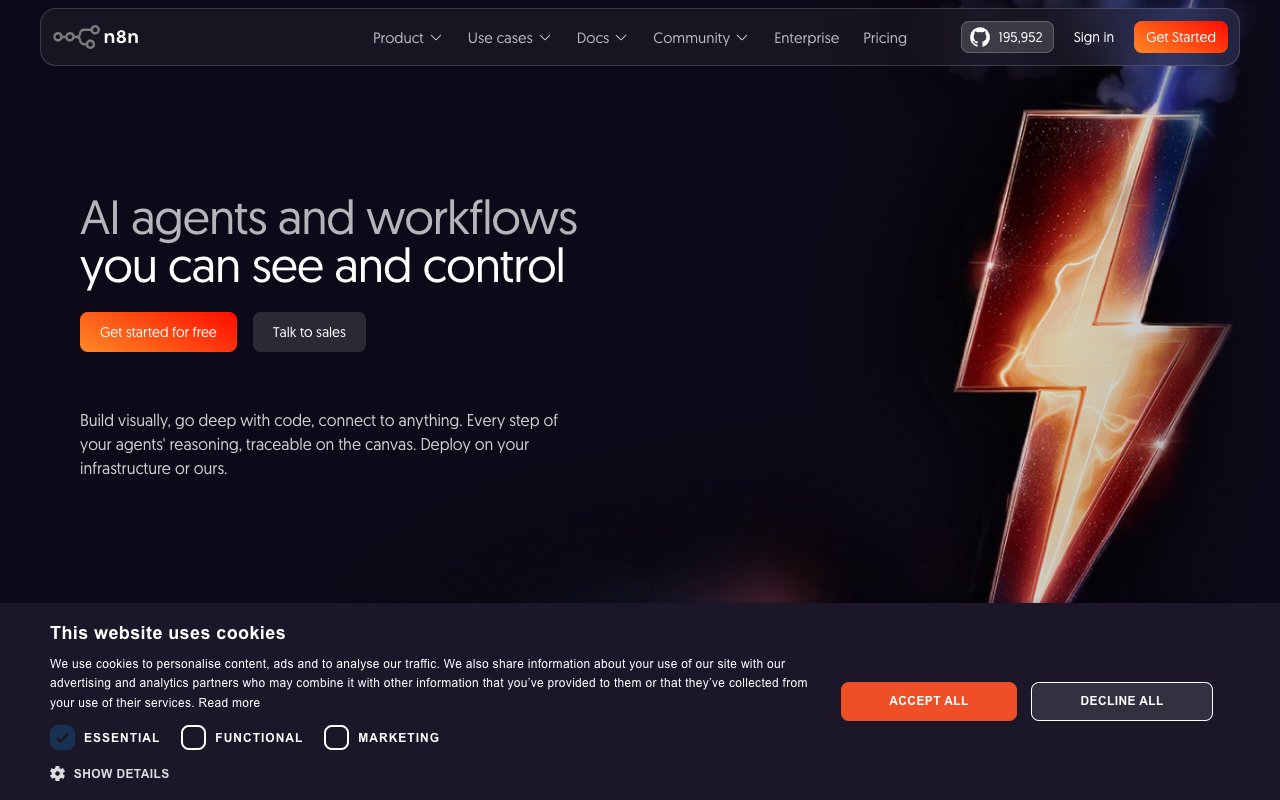
n8n is an open-source workflow automation platform that's leaned hard into AI over the last couple of years — its own homepage now bills it as «AI agents and workflows you can see and control.» Under the hood, it's still the same core idea that made it popular in the first place: a visual, node-based canvas where you connect 400+ apps and services, but with an escape hatch to write real JavaScript or Python whenever the no-code nodes aren't enough.
This guide covers what n8n actually does, how it compares to Zapier and Make, what the AI-agent features look like in practice, and whether the paid plans are worth it over self-hosting the free Community Edition.
n8n (pronounced «n-eight-n,» short for «nodemation») is an open-source workflow automation tool built for technical users — developers, IT teams, and anyone comfortable getting slightly under the hood. Every workflow is a chain of nodes on a visual canvas: a trigger (webhook, schedule, form submission), then a sequence of actions and logic (HTTP requests, database queries, conditionals, loops) that move and transform data between apps.
What sets it apart from most no-code automation tools is that it never boxes you in. Every node's input and output is visible JSON on the canvas, and you can drop into a Code node and write actual JavaScript or Python whenever a built-in integration doesn't do exactly what you need. It's also fully open-source, with a free, self-hostable Community Edition — you're not locked into n8n's cloud if you'd rather run it on your own servers.
n8n's more recent pitch is built around AI agents rather than pure automation. It ships dedicated LangChain-based nodes for building agents that can reason, call tools, and make decisions mid-workflow — not just execute a fixed sequence of steps. You can wire in OpenAI, Anthropic, or open-source models, give an agent access to a vector store for retrieval-augmented generation, and let it decide which tool to call based on the input it receives.
The key difference from a lot of AI-agent frameworks: everything is visible. You can watch an agent's reasoning step by step on the same canvas you'd use to debug a regular workflow, which makes it far easier to figure out why an agent made a particular decision — instead of treating it as a black box.
| Feature | What it means for you |
|---|---|
| 400+ integrations | Connect Slack, Google Sheets, MySQL, Postgres, HubSpot, Telegram, Discord, GitHub, and more without writing glue code for each one. |
| Code nodes (JavaScript/Python) | Drop into real code inside any workflow when a built-in node can't do what you need — no separate app or deployment required. |
| AI agent nodes (LangChain-based) | Build agents that reason and choose tools dynamically, not just fixed automation sequences. |
| Self-hosting (Community Edition) | Run n8n on your own infrastructure for free — full data control, no per-execution cloud billing. |
| Git-synced environments | Version-control your workflows and promote them through dev/staging/production like real code. |
| Role-based access control (RBAC) | Manage who can view, edit, or execute workflows across a team — relevant once you're past a solo setup. |
Sales and ops teams use n8n to sync CRMs like HubSpot and Salesforce, auto-update pipelines, and generate reports without waiting on engineering for every small change to a workflow.
Developers use n8n to prototype AI-powered chatbots and internal tools fast — wiring OpenAI or a self-hosted model into Telegram, Slack, or a custom webhook without standing up a full backend service for a first version.
IT and DevOps teams lean on n8n for infrastructure automation — triggering deploys, syncing tickets between GitHub and Jira, or running scheduled health checks against AWS resources — usually self-hosted for full control over where the data goes.
Data teams use it for lightweight ETL: pulling from MySQL or Postgres, transforming rows in a Code node, and pushing the result into Google Sheets or a reporting tool — without spinning up a full data pipeline platform for a job that runs twice a day.
All three do workflow automation. Here's where they genuinely diverge.
| n8n | Zapier | Make | |
|---|---|---|---|
| Self-hosting | Yes, free Community Edition | No, cloud only | No, cloud only |
| Custom code | Full JavaScript/Python nodes | Limited code steps | Limited code steps |
| Pricing model | Per workflow execution | Per task (each step counts) | Per operation |
| AI agent building | Native LangChain-based agent nodes | Basic AI actions/integrations | Basic AI actions/integrations |
| Best for | Technical teams that want full control | Non-technical teams, fastest setup | Visual thinkers, mid-complexity flows |
If you're not technical at all and just want the fastest path from A to B, Zapier's simplicity is hard to beat. If you want a highly visual builder without touching code, Make is a solid middle ground. If you want to self-host, write real code when needed, and build actual AI agents rather than simple triggers, n8n is the more capable — if slightly steeper — option.
Yes — the Community Edition is free and open-source, and you can self-host it on your own server or VPS with no per-execution billing. That's the option most developers and technical teams start with.
n8n also runs a hosted cloud version with paid plans based on monthly workflow executions rather than per-step «tasks» like Zapier — see the Pricing Options section below for exact tiers. All paid cloud plans include unlimited workflows and users regardless of tier; what scales with price is execution volume and concurrency.
No. Most nodes are no-code, drag-and-drop building blocks. Code is optional — it's there for the moments when a built-in node can't do exactly what you need, not a requirement to get started.
Yes. The Community Edition is free, open-source, and self-hostable on your own infrastructure. It's the same core engine as the paid cloud plans, just without the managed hosting, some enterprise features, and support.
Yes — it ships dedicated LangChain-based nodes for agent building, and the visual canvas makes it easier to trace an agent's reasoning step by step compared to purely code-based agent frameworks.
n8n cloud plans are priced by monthly workflow executions, regardless of how many steps each workflow has. Zapier counts each individual step as a «task,» so a complex Zapier workflow can burn through your quota much faster than an equivalent n8n workflow.
Yes — it has native nodes for MySQL, Postgres, and other common databases, plus a generic HTTP Request node for anything without a dedicated integration.
n8n is the automation tool for people who find Zapier too limiting but don't want to build an AI agent from scratch in raw code. The combination of visual workflows, real code when you need it, and free self-hosting makes it a strong default for developers, IT teams, and technical operators — less so for a non-technical marketer who just wants to connect two apps in five minutes.
Start with the free, self-hosted Community Edition to see if the workflow-builder model clicks for you before committing to a paid cloud plan.