Wrytr AI
Long Form Writer for Your Content
Boost productivity with Microsoft 365 Copilot. Seamlessly integrated into Word, Excel, Teams, and Outlook, it helps you write, analyze, present, and automate work using your data and AI.
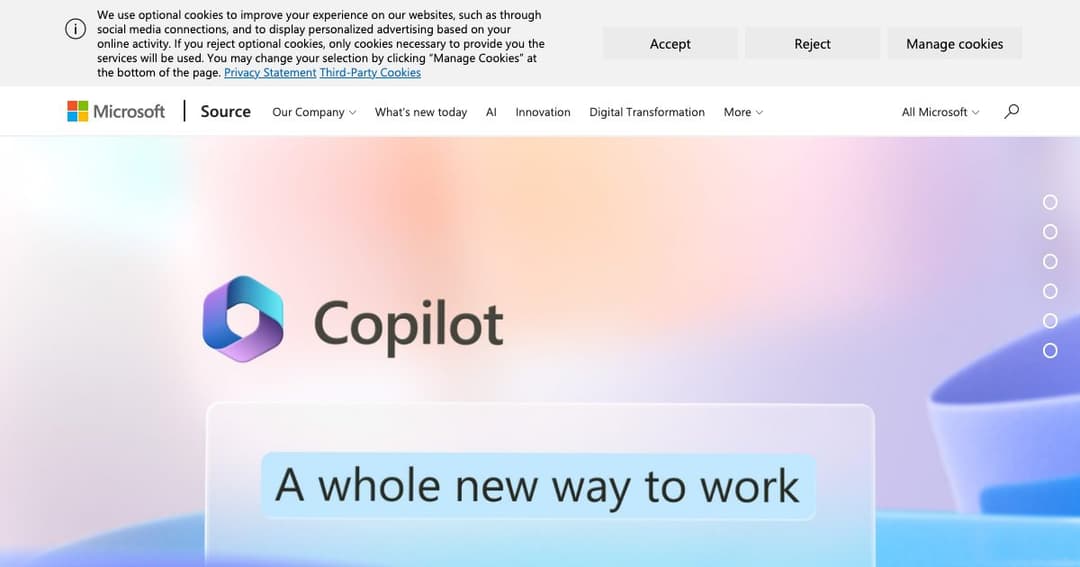
Microsoft 365 Copilot transforms everyday work by integrating powerful AI directly into the apps you already use—Word, Excel, PowerPoint, Outlook, and Teams. Powered by large language models and your own Microsoft Graph data, Copilot understands context and brings intelligent assistance to everything from writing and summarizing to data analysis and presentation design.
Unlike standalone AI tools, Copilot is embedded within the Microsoft 365 suite. It enhances your workflow without requiring you to learn new software or leave the apps you're familiar with. Whether it's drafting an email, generating a presentation, or summarizing a meeting, Copilot helps you complete tasks faster and smarter.
In Word, Copilot writes, edits, and summarizes content based on your instructions. In Excel, it analyzes trends, creates visualizations, and generates complex formulas using natural language. In PowerPoint, it builds entire slide decks from your notes. In Outlook, it drafts emails and helps clear your inbox. And in Teams, Copilot summarizes discussions and suggests follow-ups.
Copilot doesn’t just pull from generic AI models—it uses the Microsoft Graph to connect with your calendar, documents, emails, chats, and meetings. This means every action it takes is informed by your actual work context, resulting in personalized, relevant assistance.
From blog drafts to business emails, Copilot in Word can generate content, rewrite sections, adjust tone, and even summarize large documents in seconds—without sacrificing clarity or accuracy.
Copilot in Excel interprets your data and provides charts, insights, and formulas. You can ask questions in plain English like «What are the sales trends for Q1?» and receive instant visual answers.
With Copilot in PowerPoint, you can convert bullet points into full presentations, rearrange slides with ease, and apply design templates—all from a simple prompt.
Automate repetitive writing tasks, generate summaries, and stay focused on decision-making with AI-generated meeting recaps, reports, and follow-up emails.
Skip the formulas and scripting. Ask natural-language questions about your data, and Copilot returns interactive dashboards or insights with context-aware analysis.
Draft content, organize campaign materials, and present performance results—all within your existing Microsoft tools.
Copilot in Teams tracks discussions, identifies action items, and recaps meetings—reducing the need for note-taking and improving follow-through.
Microsoft 365 Copilot is built with enterprise-grade security and compliance standards, including data privacy, GDPR adherence, and identity management.
Organizations can manage how Copilot accesses data, ensuring it aligns with internal policies and compliance needs. You stay in control of what Copilot can see and do.
Microsoft 365 Copilot is accessible via enterprise Microsoft 365 subscriptions. Users can start using it within supported apps after activation—no separate software installation is required.
Whether you're in a global enterprise or a small business, Copilot adapts to your environment. It’s available in multiple languages and works across platforms including desktop, web, and mobile apps.