Vectorizer.AI
Quickly and automatically convert PNG, JPG, and other images to high-quality SVG vectors with Vectorizer.AI. Enjoy full color support, advanced shape fitting, and scalable results.
About Vectorizer.AI
What is Vectorizer.AI?
Vectorizer.AI is an online tool that transforms bitmap images like PNGs and JPGs into clean, scalable vector graphics. It uses a blend of deep learning and classical algorithms to deliver detailed and precise vectorizations automatically.
Key Features of Vectorizer.AI
Vectorizer.AI offers fully automated vectorization, full color and transparency support, a range of export formats, and interactive previews. The service ensures high performance by combining GPU acceleration and parallel processing.
How Vectorizer.AI Works
Picking Your Image
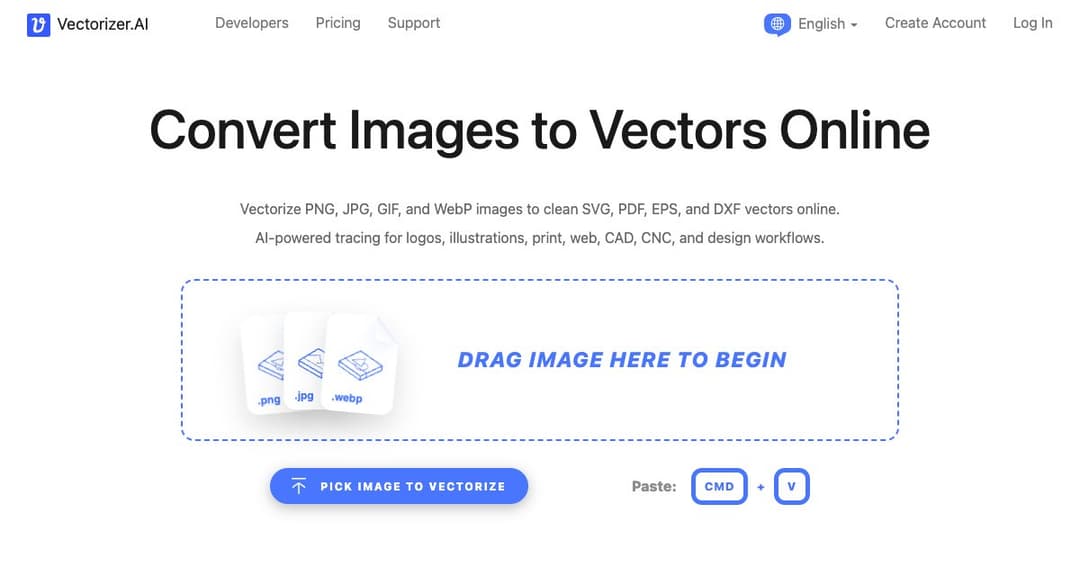
Users begin by uploading or pasting a bitmap image such as a JPEG, PNG, or GIF. The tool supports a wide range of input file formats and is designed to work on logos, sketches, photos, and even AI-generated images.
Processing and Converting
Once uploaded, the system analyzes the pixels and intelligently converts them into geometric vector shapes. This process captures fine details, preserves color palettes, and supports sub-pixel precision for maximum fidelity.
Deep Technology Behind Vectorizer.AI
Deep Vector Engine and Shape Fitting
Vectorizer.AI uses custom-trained deep learning networks alongside a computational geometry framework to fit precise geometric shapes like circles, ellipses, and stars, achieving a higher consistency than traditional vectorizers.
Curve and Corner Support
The platform recognizes a wide variety of curve types, including straight lines, circular arcs, and Bezier curves. It optimizes corner details to produce smooth, natural-looking outlines in the final vector output.
Output Options and File Formats
Supported Output Formats
Vectorizer.AI allows users to download their vector images in SVG, PDF, EPS, DXF, or PNG formats. SVG is the default for its flexibility and broad browser support, but other formats ensure compatibility with a wide range of design tools.
Export Customization
Users can customize how their vector files are generated, including shape grouping, file format versions, and curve types, ensuring maximum compatibility with different software applications.
Advanced Capabilities
Symmetry Detection and Adaptive Simplification
Vectorizer.AI automatically detects mirror and rotational symmetries within images, enhancing the quality of the vector output. It also simplifies faint boundaries intelligently to create visually appealing results.
Palette Control and Pre-Crop Features
Users can adjust the detected number of palette colors if needed and crop images before processing to maximize quality while staying within resolution limits.
Practical Uses of Vectorizer.AI
Applications for Vector Graphics
Vector images are essential for scaling graphics without loss of quality, ideal for web use, printing, engraving, embroidery, and signage. They are also easier to edit compared to pixel-based images.
Editing and Printing Advantages
Since vector images consist of geometric data rather than pixel grids, they allow for more flexible edits and superior quality in high-resolution printing, making them perfect for professional and creative projects.
Data Policies and User Rights
Image Ownership and Retention
Uploaded images and generated results are retained for 24 hours before being deleted. Vectorizer.AI does not claim rights over user content and does not share images without explicit user consent.
Terms of Use for Generated Vectors
Users are free to use their vectorized outputs for personal and commercial projects, though using the results for training machine learning models is prohibited under the platform’s terms of service.