TTSLabs
TTSLabs is a powerful AI text-to-speech tool built for Twitch streamers. Customize voices, add sound clips, and manage donations in real time through a dedicated desktop app.
About TTSLabs
Custom AI Text-to-Speech for Streamers
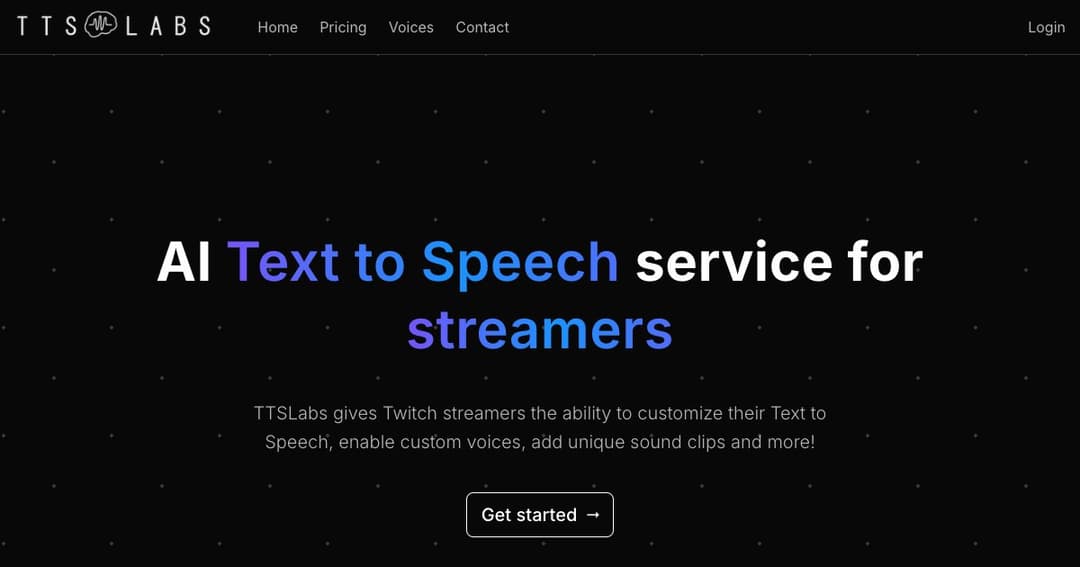
TTSLabs is a purpose-built text-to-speech platform for live streamers, especially those on Twitch. It offers full control over how speech donations are processed and heard, letting creators deliver a more interactive and personalized experience for their viewers.
Built for Streaming Workflows
With a dedicated desktop app, fast audio generation, and full integration with platforms like Streamlabs and StreamElements, TTSLabs brings seamless TTS control to the streamer's dashboard.
Key Features of TTSLabs
Dedicated Desktop App
TTSLabs provides a standalone desktop application for easy setup and control. Streamers can adjust pricing for TTS donations, enable or disable voices, manage custom sound clips, and configure profanity filters—all from one place.
Faster Than Real-Time Processing
Designed for live environments, TTSLabs can generate 20 seconds of audio in under 3 seconds, ensuring donation messages are processed and played with minimal delay during broadcasts.
Voice and Audio Customization
Wide Variety of Custom Voices
Streamers can choose from a library of synthetic voices, each designed to bring unique personality to TTS messages. These voices mimic human-like tone, cadence, and expression, adding more entertainment value for viewers.
Add Sound Clips to TTS
TTSLabs lets users attach unique sound clips to specific TTS messages. Whether it's a meme sound or a signature audio tag, these clips help amplify creativity and viewer engagement.
Integration and Control
Sync With Streamlabs and StreamElements
TTSLabs integrates directly with popular streaming tools, allowing users to manage TTS donations through their existing dashboards. The platform supports real-time updates to settings and profiles.
Viewer Customization Guide
TTSLabs provides a custom viewer page that displays the currently enabled alerts, available voices, and minimum donation values for TTS. This makes it easier for viewers to participate and engage with the stream.
Content Moderation and Filters
Profanity Controls
Streamers can manage message content with multiple profanity filter levels or create custom filters. This gives them control over what is allowed to play on stream while still keeping the experience fun and interactive.
Manage TTS Spam and Abuse
With real-time control features and detailed configuration, streamers can block or review unwanted content, keeping the broadcast environment safe and enjoyable.
Why Streamers Use TTSLabs
Real-Time Interaction
TTSLabs enhances the connection between streamers and their audience by giving viewers an entertaining, voice-powered way to participate in the stream.
Monetization Through Creativity
Custom pricing and creative sound elements give streamers new ways to monetize viewer engagement while offering a unique on-stream experience that goes beyond typical alerts.
Simple Setup, Pro-Level Control
From seasoned content creators to new streamers, TTSLabs makes it easy to get started with powerful features, intuitive controls, and responsive support.