PaLM 2
Google’s Advanced Language Model
Boost your data workflows with Sketch, the open-source AI assistant for pandas. Get contextual code suggestions, data insights, and faster analysis—all without IDE plugins.
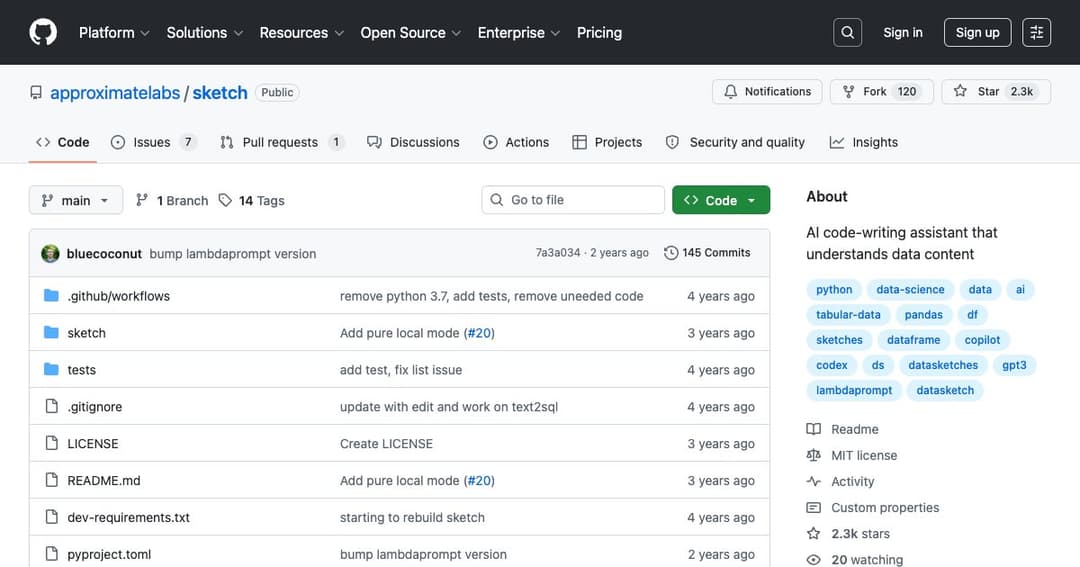
Sketch is an AI-powered coding assistant specifically designed for pandas users. It enhances productivity by generating Python code based on the structure and content of your DataFrame. Rather than functioning as a standalone app or plugin, it integrates directly with pandas through a simple .sketch extension, offering insights and suggestions in seconds.
With a quick pip install sketch, users can begin accessing natural language queries and auto-generated Python snippets. The tool doesn't require IDE extensions or configurations—just import it and start asking questions or requesting code on your existing DataFrame.
The .ask function allows users to query their DataFrame in plain English. Sketch interprets questions using summary statistics and metadata, delivering understandable text-based answers. Whether it's identifying data types or understanding column distributions, .ask makes data exploration intuitive.
When users need help writing pandas code, the .howto method returns complete code snippets. Whether plotting, cleaning data, or building features, this function accelerates common data tasks by generating syntax-ready code based on user prompts.
For more complex tasks like feature generation or field parsing, Sketch's .apply function lets users define custom logic in natural language. It supports dynamic prompt templates with variable placeholders, enabling operations across rows using contextual cues.
Sketch works with hosted APIs (like OpenAI’s GPT) or fully local Hugging Face models, such as StarCoder. With just a few environment variables, users can toggle between cloud-based or offline AI inference, depending on their privacy and performance needs.
At its core, Sketch summarizes DataFrame structure using approximate algorithms known as «data sketches.» These summaries provide key insights that feed into large language models, helping them understand the context of a dataset before generating suggestions.
Sketch is open source and requires no proprietary infrastructure. Users can choose their inference backend, run locally or remotely, and even build on top of the tool for custom workflows—making it flexible for both personal projects and enterprise data pipelines.
From identifying PII to generating descriptive metadata, Sketch supports data cataloging tasks with minimal manual effort. The .ask and .apply functions can automate documentation and labeling processes.
Data scientists can generate feature sets, plot visualizations, and answer analytical questions all from within their pandas workflows. With Sketch, the time from question to insight is significantly reduced.