Kaedim
AI-Powered 3D Model Generator for Game & Product Design
Explore Shap-E by OpenAI, a tool that transforms text or image prompts into 3D models. Create unique objects like “a chair that looks like an avocado” with open-source code and sample notebooks.
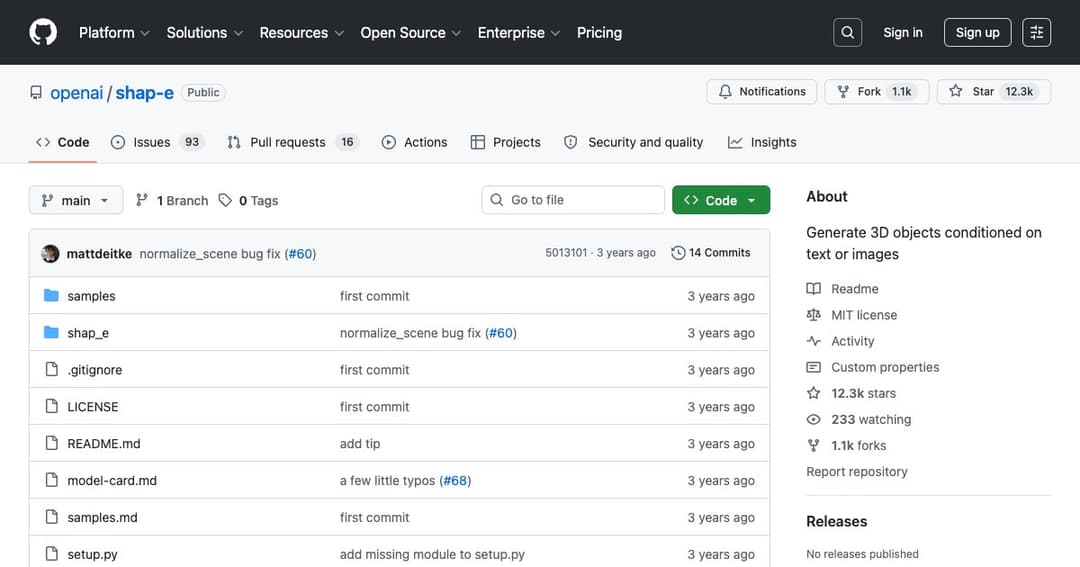
Shap-E is an open-source project by OpenAI designed to generate 3D models from text or image inputs. Whether you're imagining a «spaceship made of paper» or a «penguin-shaped mug,» Shap-E interprets your prompt and builds a 3D shape accordingly. The tool offers a powerful entry point into creative 3D design using simple language or visuals.
The entire Shap-E project is available on GitHub under the MIT license, which makes it freely available for personal or commercial use. Developers and 3D creators can modify, expand, and integrate Shap-E into their own workflows or creative projects without restriction.
Shap-E supports two main input modes: text and image. Using the sample_text_to_3d.ipynb notebook, users can describe an object in plain language, and Shap-E will generate a corresponding 3D model. For image inputs, the sample_image_to_3d.ipynb notebook lets you start with a visual and generate a 3D shape based on its content—best results come from images with clear subjects and no background.
Unlike traditional 3D modelers, Shap-E uses a neural approach that represents objects with implicit functions. This means it doesn’t rely on predefined shapes or meshes. Instead, it learns to generate complex and smooth geometry based on the prompt it receives, enabling more fluid and creative outputs.
To get started, install Shap-E with pip and explore the included Jupyter notebooks. These examples guide you through generating models from text, converting images into 3D, and encoding existing 3D files. Developers can follow the code to understand the pipeline and experiment with different prompts.
To visualize your generated models, Shap-E integrates with Blender (version 3.3.1 or higher required). By setting a system path to the Blender executable, users can render their models directly from the Shap-E pipeline. This allows for high-quality previews and further refinement.
Shap-E is particularly useful for conceptual design, art, and prototyping. Example outputs include quirky ideas like «a chair that looks like a tree» or «an airplane shaped like a banana.» The tool is ideal for exploring new design concepts that are visually engaging and conceptually bold.
Beyond entertainment and art, Shap-E can be a powerful educational tool. Students can learn about 3D geometry and creative design by generating their own models from descriptive language. Product designers can also use it for rapid prototyping and idea visualization.
Shap-E is developed by OpenAI with contributions from several developers. The repository is active, with issues, pull requests, and community discussions helping to refine the tool. Developers can fork the project, contribute improvements, or use it as a base for their own 3D generation applications.
The MIT license ensures that anyone can use, modify, or distribute Shap-E with minimal restrictions. Whether you're building a commercial 3D design tool or a classroom experiment, Shap-E offers a strong foundation with a permissive license.