Raycast
Raycast AI integrates advanced AI models directly with macOS, offering AI chat, smart commands, file-based prompts, and powerful automation to boost productivity from your desktop.
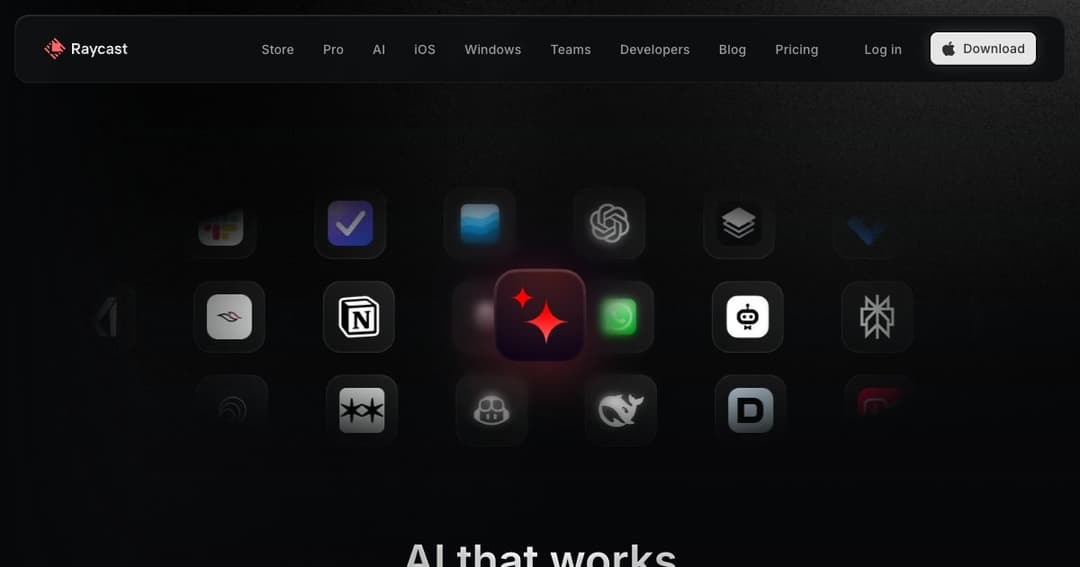
About Raycast AI
A Native AI Assistant for Your Mac
Raycast AI brings the power of artificial intelligence directly to your operating system. Acting as a seamless desktop assistant, it allows users to chat with over 30 AI models, automate workflows, and interact naturally with documents, code, and apps—right from your Mac interface.
Built for Everyday Productivity
Whether you’re coding, writing, organizing, or researching, Raycast AI is designed to be instantly accessible with a single hotkey. It offers a clean, distraction-free interface and deeply integrates with macOS, so you can work faster and smarter without breaking your flow.
Key Features of Raycast AI
AI Chat with Contextual Awareness
Chat with PDFs, spreadsheets, webpages, or anything on your screen. Raycast supports attachments and can draw contextual information from your open files or apps to provide more accurate, personalized responses.
Access Dozens of Models in One Interface
Switch between top AI models from OpenAI, Anthropic, Google, Perplexity, Mistral, and more—all from within a unified interface. Choose the model that best fits your task, whether you need quick answers or deeper reasoning.
Quick AI and Presets
Fast, Lightweight AI Access
Quick AI launches with a single shortcut, offering rapid-fire answers, code help, and research guidance without interrupting your workflow. Search the web and compare model responses inline, with references and follow-ups available instantly.
Customizable Chat Presets
Create and save your own chat configurations tailored to recurring tasks. From summarizing articles to composing emails or debugging code, presets streamline your most frequent actions.
Automation with AI Extensions and Commands
AI Extensions: Turn Commands into Actions
Raycast AI Extensions let you control your OS and favorite tools with natural language. Rename files, search tickets, or check calendars through conversational commands. Expand your capabilities with community-built extensions or build your own.
AI Commands: One Hotkey to Automate Anything
Save time with 30+ built-in AI Commands or customize your own. From grammar correction and code explanations to tone adjustment and translation, commands simplify repetitive tasks with a single trigger.
Designed with Privacy in Mind
Local-First and Fully Encrypted
Your data is stored locally unless you enable cloud sync, which encrypts AI chats both in transit and at rest. Raycast never uses your inputs for training and communicates directly with AI providers through secure APIs.
Upcoming Support for Local Models
To ensure total privacy, Raycast is developing support for local AI models that never send your data online—ideal for enterprise users and sensitive tasks.
Why Users Love Raycast
Productivity at Your Fingertips
With Raycast AI, your desktop becomes a powerhouse of efficiency. From managing files to generating content, the integration of AI into your daily workflow happens seamlessly and intuitively.
Flexible Plans for Individuals and Teams
Raycast offers free, Pro, and Advanced AI tiers for individual users, plus team-focused plans with shared tools, private extensions, and advanced collaboration features. It's built to scale with you, whether you're a solo creator or a growing team.