Grammarly
AI Writing Assistant for Clear, Professional Communication
Free
PromptBox is the fastest way to organize, store, and expand text prompts across apps and devices. Use shortcuts to boost productivity, collaborate with teams, and sync securely across platforms.
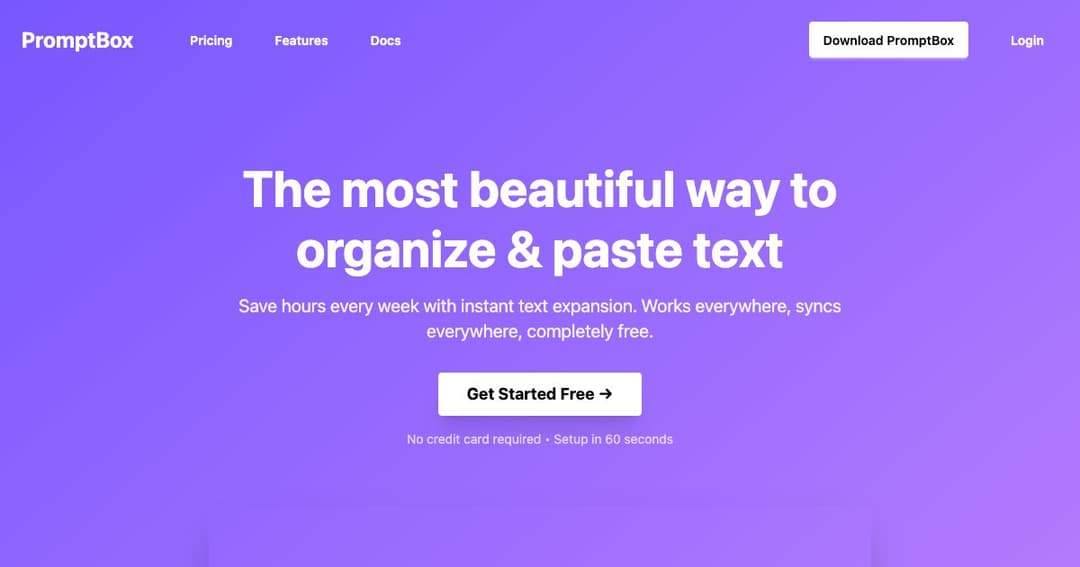
PromptBox is a cross-platform text expansion and prompt organization tool designed to save time and eliminate repetitive typing. Whether you're drafting responses, managing content templates, or storing personal prompts, PromptBox keeps your text at your fingertips—instantly.
PromptBox works on any app, browser, or desktop software, allowing you to expand text anywhere with simple shortcuts. It's built to help content creators, marketers, developers, and busy professionals streamline their writing workflow.
Your saved prompts automatically sync between your desktop and mobile devices, ensuring your content is always available when you need it.
Type a simple keyword and watch PromptBox replace it with your full saved prompt instantly. Customize shortcuts to match your style and speed.
Unlike browser extensions, PromptBox functions at the OS level. That means it works seamlessly in every app—from chat tools to email clients to code editors.
Keep your prompts sorted with a scalable folder system. Organize content by project, client, or category for quick access anytime.
Your data is encrypted and securely stored. PromptBox prioritizes privacy and does not access or share your information.
Share prompts with colleagues or clients to maintain consistency in communication, content creation, or customer support.
Use PromptBox on your phone and your computer. All changes sync in real-time for a seamless experience, whether you're on the go or at your desk.
Store blog outlines, email intros, product descriptions, and reuse them across platforms. Save time on repetitive writing tasks with easy-to-trigger snippets.
Use PromptBox to store common responses, troubleshooting guides, and brand-approved messaging to ensure consistency and reduce response time.
Manage code snippets, boilerplate scripts, and documentation templates—ready to insert with a shortcut in any IDE or terminal.