Midjourney
AI Image Generator for Art, Concepts and Brand Visuals
Create and edit stunning AI-generated art with OpenArt. Design characters, convert images to video, and customize models. Start free and explore a world of creative tools and styles.
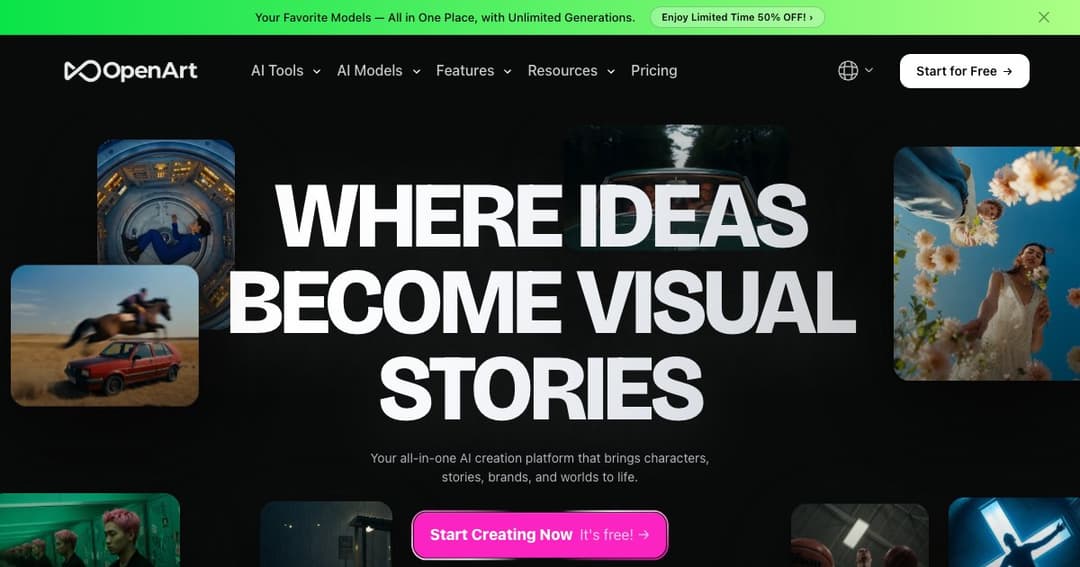
OpenArt is a flexible and powerful platform that helps creators turn their ideas into visual art using artificial intelligence. Unlike traditional generators, OpenArt gives users full control—prompts are optional, and you can design, edit, and iterate freely.
Whether you're building a visual brand, designing consistent characters for a comic, or simply exploring your imagination, OpenArt provides an intuitive suite of tools to make it happen. The platform is designed for anyone who wants to transform visual ideas into reality—fast.
Turn your concepts into artwork in seconds. Use prompts or start with an image—OpenArt’s AI models can generate illustrations, scenes, and designs in a range of styles.
Create and maintain a consistent character look across different poses, settings, and expressions. Simply upload a reference image or description, then direct how the character should appear in each scene.
Transform still images into short videos with movement and transitions. This tool is great for creators making tutorials, ads, social media content, or storytelling montages.
Edit and enhance existing images with precision:
Choose from a wide selection of curated styles across genres, decades, and art movements. Whether you're designing a cyberpunk scene or a renaissance portrait, the Style Palette helps you find the right aesthetic direction.
Customize how the AI generates images by training a model based on your own artwork or brand identity. In just a few steps, OpenArt lets you personalize the creative output to align with your style and needs.
You can either type a description or upload your own sketch or image as a base. OpenArt handles both guided and freestyle creation.
Adjust style, lighting, structure, or use image enhancement tools to improve the result. AI editing options allow you to transform, upscale, or fix parts of your image seamlessly.
Once you're happy with your creation, you can download the high-resolution result or share it within the OpenArt community or on your favorite platforms.
Enhance your artistic process with tools for idea generation, editing, and animation.
Use AI to design visuals, video content, thumbnails, and more.
Prototype brand imagery, product concepts, or marketing visuals in minutes.
Create consistent characters and scenes for comics, novels, or visual narratives.