LiveReacting
Boost your live stream engagement with LiveReacting. Add polls, countdowns, games, and pre-recorded videos to your Facebook, YouTube, or Twitch broadcasts—all from your browser.
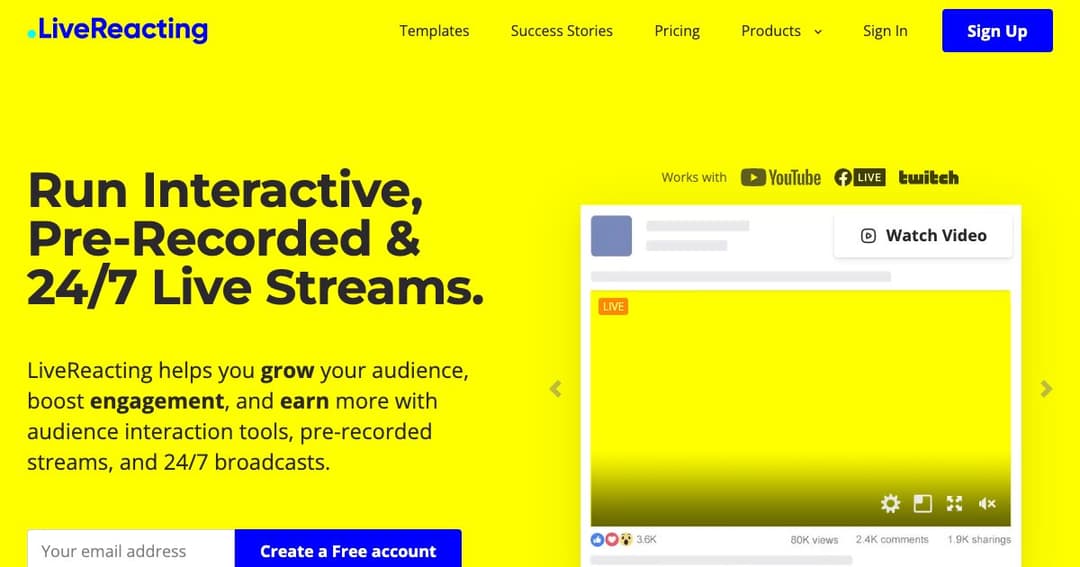
About LiveReacting
What is LiveReacting?
LiveReacting is a browser-based live streaming tool designed to enhance viewer interaction and boost audience engagement. It allows creators, brands, and marketers to embed interactive elements like polls, countdowns, quizzes, games, and pre-recorded videos into their livestreams—all without installing any software.
Who Uses LiveReacting?
LiveReacting is ideal for social media managers, content creators, digital marketing agencies, and brands looking to increase interaction on platforms like Facebook Live, YouTube Live, and Twitch. Whether you're streaming a product launch or running a trivia game night, LiveReacting simplifies the process while keeping your audience engaged.
Key Features of LiveReacting
Add Interactive Elements to Live Streams
You can integrate various interactive features into your stream in real-time:
- Polls: Run live polls to collect opinions and encourage engagement.
- Games: Host trivia and other interactive games that viewers can play during the broadcast.
- Countdowns: Use countdown timers for launches or timed segments in your stream.
- Pre-recorded Videos: Seamlessly stream pre-recorded content as if it's live.
Customization and Branding
LiveReacting offers over 70 customizable templates to match your brand’s identity. Users can also build streams from scratch, adding logos, overlays, and branded graphics to create professional and cohesive broadcasts.
Cloud-Based Convenience
No downloads or complicated setup. All the tools run directly in your browser, making it easy to go live from anywhere. You can multistream to several platforms at once, maximizing your reach without extra hardware or streaming software.
How LiveReacting Helps Increase Engagement
Real-Time Viewer Participation
LiveReacting turns passive viewing into an interactive experience. Features like quizzes, live comment displays, and voting tools increase participation and time spent watching, leading to better retention and stronger community interaction.
Streamlined Workflow for Teams
With the built-in AI assistant, creators can automate stream elements, manage assets, and produce professional-quality streams without advanced technical skills. This makes it easy for small teams or solo creators to deliver polished content at scale.
Use Cases
- Brands: Launch new products, host giveaways, and conduct Q& As.
- Agencies: Run client livestreams with interactive features and branding.
- Content Creators: Increase viewer retention through games and live feedback.
- Educational Streams: Use polls and quizzes to engage students and trainees.
Start Using LiveReacting
Getting started with LiveReacting is easy. There’s no software to install, and you can test the platform with a free trial. Just enter your email, choose a template, customize your stream, and go live in minutes.
Visit LiveReacting.com to start your first interactive broadcast.