AIPRM
AI Prompt Library & Management Tool for ChatGPT & Claude
Free
Upgrade your ChatGPT experience with DapperGPT. Access smart features like voice input, note-taking, image generation, and a customizable UI—all powered by your OpenAI API key.
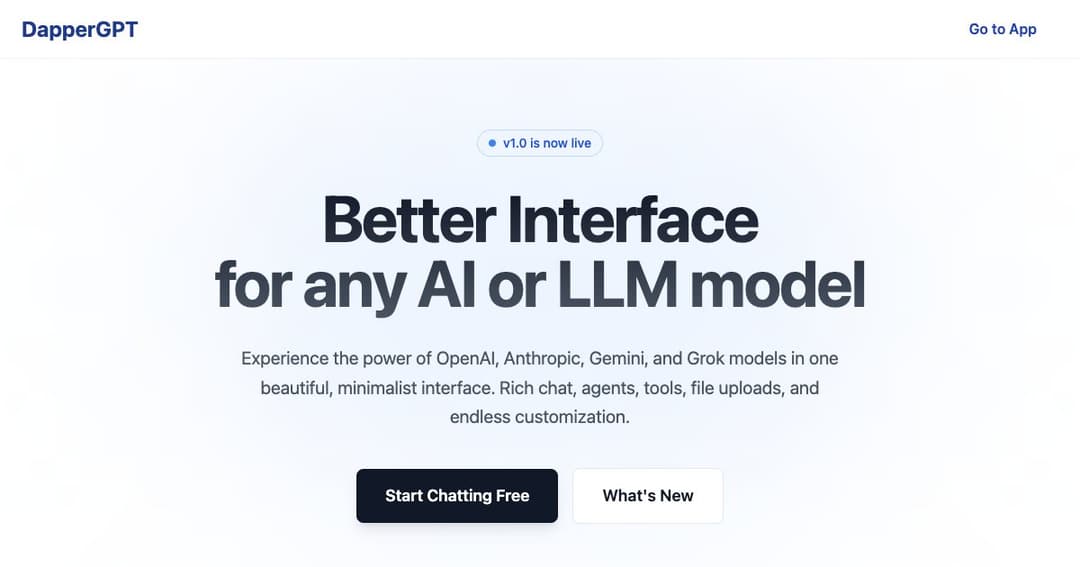
DapperGPT is a feature-rich interface built on top of the ChatGPT API, offering users a smoother and more customizable experience. With added functionality like AI-powered notes, voice input, and image generation, DapperGPT turns traditional chatbot interaction into a productivity powerhouse.
While DapperGPT leverages OpenAI’s GPT models, it doesn't require a ChatGPT Plus subscription. Users simply connect their OpenAI API key and instantly gain access to a wide array of enhanced tools and a streamlined user interface.
To start using DapperGPT, users must input a valid OpenAI API key. Once connected, you can use the platform’s built-in tools and chat features without needing a ChatGPT Plus subscription.
From writing code to generating content, DapperGPT allows you to do everything ChatGPT can—plus much more. The platform introduces advanced features to organize, search, and personalize your interactions with AI.
Transform chat interactions into structured, savable notes. This feature is ideal for summarizing meetings, research, or brainstorming sessions with AI-generated clarity.
Use your voice to chat or have responses read aloud to you. These accessibility-focused tools help enhance multitasking, focus, and user convenience across devices.
With the DapperGPT Chrome Extension, you can autofill forms, generate emails, or compose text directly on platforms like Gmail or LinkedIn—without ever switching tabs.
The platform’s spotlight-style search makes it easy to revisit past chats, saved prompts, and notes. Use the prompt library for quick access to templates and conversation starters tailored to different tasks.
Pin your most important prompts or chats for instant access. With cloud sync available for premium users, you can access your saved chats and settings across multiple devices.
Adjust how the chat looks and feels to match your preferences. You can even set character instructions to shape the AI's tone, persona, or knowledge base for specific types of conversations.
In addition to standard text output, DapperGPT supports image generation via prompts and provides formatted, ready-to-run code for developers and technical users.
Basic access is available for free, requiring only your OpenAI API key. Advanced features and cloud sync are available with a one-time upgrade or a yearly plan for individuals and teams.
Your OpenAI API key is stored locally by default and encrypted securely if cloud sync is enabled. DapperGPT follows best practices in encryption, access control, and regular security audits to keep your data protected.