Kodezi
AI-Powered Debugging and Code Optimization for Developers
CodeSnippets helps teams save, share, and optimize code with AI assistance. Manage snippets, chat with code, and use top open-source LLMs—all in one secure platform.
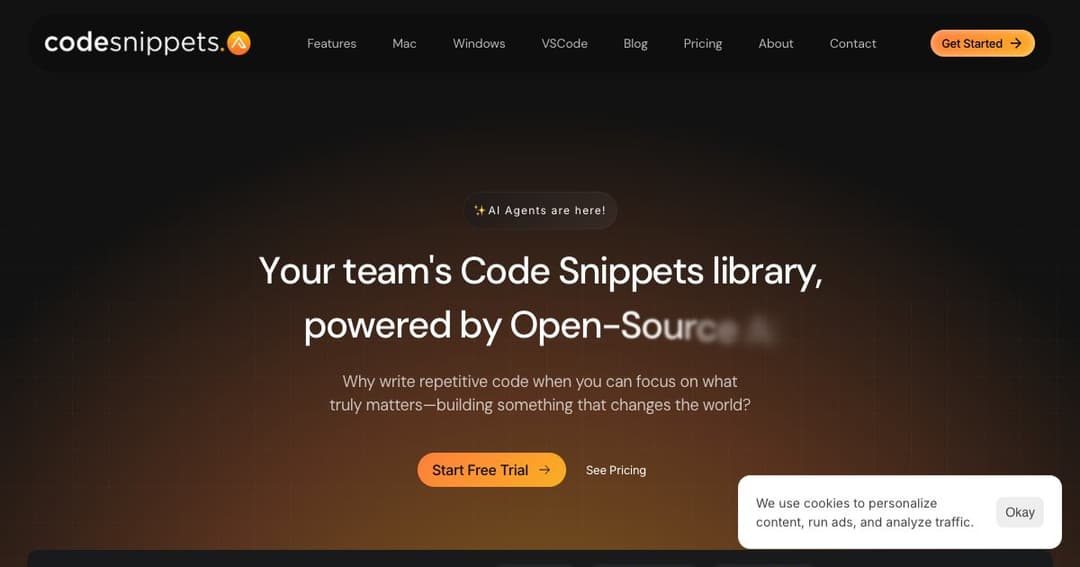
CodeSnippets is a modern, AI-powered platform that helps developers manage, optimize, and collaborate on code snippets across teams. Designed for individual developers and engineering teams alike, it integrates seamlessly with your workflows to accelerate development, improve understanding, and reduce repetitive coding.
Whether you're working solo or managing a large codebase across a team, CodeSnippets centralizes your snippet library, integrates context from your projects, and brings AI conversations directly into your coding environment.
Store, organize, and reuse your most important code snippets with intelligent context integration. CodeSnippets uses LLM-powered analysis to generate explanations, document code, and even recommend improvements based on best practices.
Interact with your code snippets using the latest large language models (LLMs), including both open-source and proprietary options. Ask questions, request refactors, or get help building new features—all in a single chat that supports multiple AI models.
Invite team members, assign roles, and manage permissions with a built-in user system. Share snippets, collaborate in real-time, and maintain a centralized knowledge base accessible by the whole team.
CodeSnippets indexes your codebase and documents to add AI-powered context to your chats and suggestions. Use this context to build faster, debug smarter, and understand large codebases without switching tools.
CodeSnippets supports both OpenAI and OpenRouter keys and works with models like GPT-4, Claude, Mixtral, and Capybara. You can mix and match models in the same session depending on your needs and the complexity of your task.
Available on macOS, Windows, and Visual Studio Code, CodeSnippets fits into your preferred development environment without getting in the way.
All snippet data is stored securely, and no code is shared unless you choose to. The platform emphasizes privacy with options for secure library access, edit tracking, and API key integration.
By centralizing reusable code and enabling direct interaction with AI tools, teams can speed up development cycles, reduce time spent on repetitive tasks, and maintain consistency across projects.
With advanced indexing, you can search across your snippets and project context, making it easier to reuse past work, onboard new developers, and debug issues.
From managing snippet access to sharing context through AI-enhanced chats, CodeSnippets brings your team closer together and aligned on standards.