Bit.ai
Create smart docs, wikis, SOPs, and proposals with Bit.ai. Collaborate in real time, use AI templates, integrate with 100+ tools, and securely share your work—no coding needed.
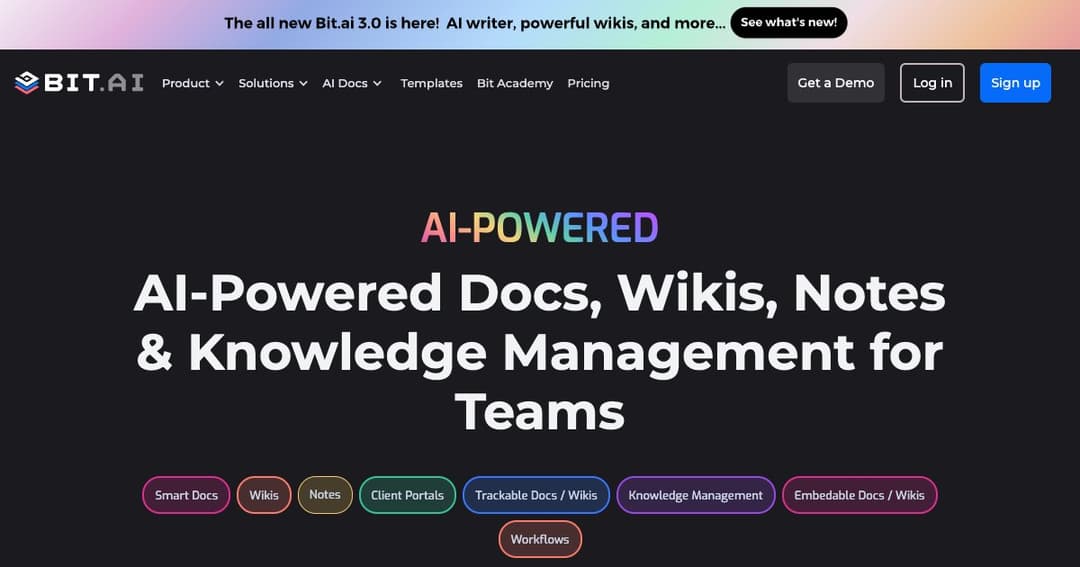
About Bit.ai
Smart Documents for the Modern Workplace
Bit.ai is an AI-powered platform that transforms how teams create, collaborate on, and share documents. From internal wikis to product documentation and client proposals, Bit makes it easy to manage knowledge at scale while delivering beautifully structured, media-rich documents.
Designed for Teams of Any Size
Whether you're a startup, enterprise, or agency, Bit.ai supports dynamic collaboration, enabling teams to work together in real time. With secure sharing options, permissions, and version control, teams can create, edit, and distribute professional content seamlessly.
Core Features of Bit.ai
AI Genius Assistant
Bit’s built-in AI Genius helps generate content faster and smarter. Use it to write outlines, refine text, summarize content, or create templates for anything from blog posts to SOPs. AI Genius integrates directly into your document editor to speed up every part of the writing process.
Smart Wiki & Document Builder
Convert any Bit document into a wiki with subpages and content hierarchy. Create internal documentation, help centers, or client knowledge bases with intuitive navigation and modern design.
Seamless Collaboration & Customization
Real-Time Teamwork
Invite teammates, guests, or clients to collaborate in real time. Inline comments, tagging, and instant notifications ensure everyone stays aligned, while Bit’s smart editor keeps the writing experience simple yet powerful.
Interactive Widgets & Media Support
Enhance documents with rich media embeds, smart tables, hint blocks, charts, videos, maps, code blocks, and more. Easily integrate content from over 100 third-party platforms, including Google Workspace, Figma, Typeform, and Airtable.
Secure Sharing & Access Control
Versatile Document Sharing
Share your documents through live links, website embeds, or trackable URLs. You can even enable lead capture forms, set expiration dates, add password protection, and monitor document engagement through advanced tracking.
Role-Based Permissions
Control access at every level. Assign collaborators view-only, comment, or edit roles across workspaces, folders, and documents. External users can securely access client portals or data rooms without compromising your content.
Use Cases for Bit.ai
Knowledge Management
Create and manage internal documentation, SOPs, product guides, and onboarding materials. Bit’s structured workspace and folder hierarchy make it easy to store and search knowledge at scale.
Sales & Marketing
Build engaging proposals, reports, and content briefs. Track interactions with prospects, embed multimedia assets, and ensure branding consistency using reusable templates.
HR & Operations
Design training manuals, employee handbooks, and process documentation. Collaborate with departments across locations and maintain up-to-date records in one centralized space.
AI-Driven Productivity
Smart Search
Use Bit’s universal search to find documents, images, cloud files, and text content across all your workspaces instantly. The platform helps you create new content quickly by referencing your stored assets.
Templates & Automations
Get started with dozens of prebuilt templates across various business functions—from meeting agendas and lesson plans to technical docs and brainstorming notes. Customize and reuse templates to save time and improve consistency.