Merlin
AI Extension for Research, Writing, and Productivity
Free
Boost productivity with Arvin—an AI-powered assistant for writing, translating, designing logos, summarizing content, and more. Try Arvin’s web app or Chrome plugin for free.
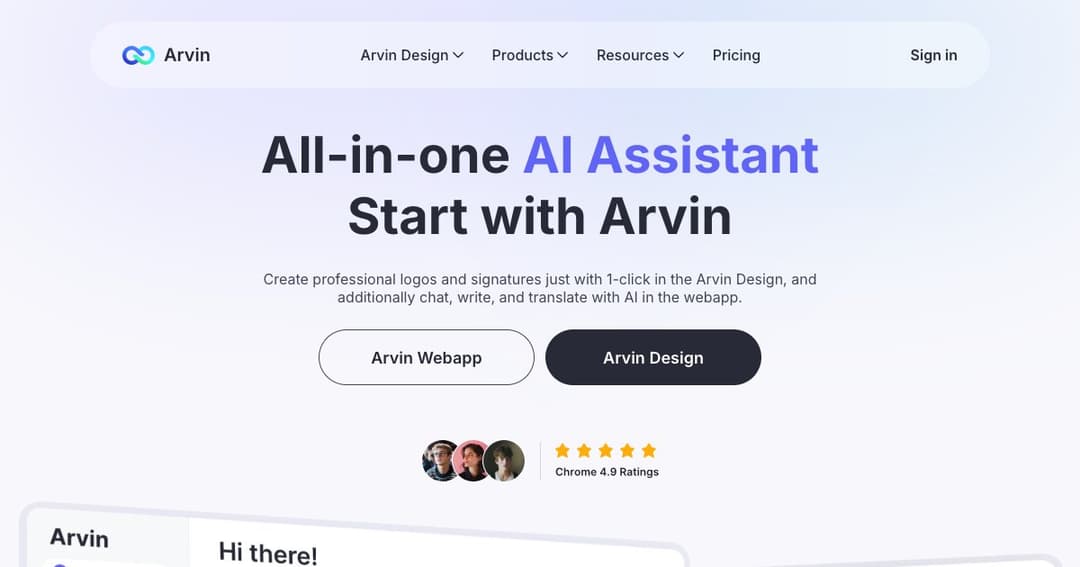
Arvin is a multifunctional AI assistant that combines writing, translation, logo design, and content summarization tools into a single platform. Available as both a web application and a browser extension, Arvin is designed to enhance daily workflows, whether you're drafting emails, creating brand visuals, or analyzing documents.
Arvin can be used directly through its web app or added to Chrome as an extension. This flexibility allows users to chat, generate content, or summarize web pages from virtually anywhere online, improving speed and convenience without needing to switch platforms.
Arvin Logo enables users to design professional-quality logos, signatures, and business cards instantly. With access to thousands of templates, the tool generates brand visuals in just a click, eliminating the need for complex software or design expertise.
The platform also showcases logo mockups in real-world scenarios. Whether it’s signage, business cards, or merchandise, users can see how their brand assets would look in practical applications before finalizing them.
Arvin includes smart AI writers capable of drafting blog articles, email replies, and formal documents. Users can adjust tone and style to suit various communication needs, and templates like greeting cards or promotional messages are also available.
Beyond initial drafts, Arvin helps polish written content. Features like the grammar checker and writing improver ensure text flows naturally, reads clearly, and meets professional standards.
Arvin extends its capabilities with tools like web page summarization, PDF-to-text extraction, and multilingual translation. The AI can summarize YouTube videos, documents, and even sections of web pages—making information processing faster and more accessible.
Users can interact with PDFs and images by uploading them to Arvin. The AI then analyzes the content, providing summaries, translations, or contextual insights, depending on the file type and user queries.
With the Chrome extension, users can engage with Arvin in real time while browsing. The sidebar and toolbar options allow for instant translations, quick summaries, and contextual AI chat support as you navigate the web.
Arvin supports advanced use cases like data analysis and light coding assistance. By chatting directly with the assistant, users can solve technical or analytical problems in a conversational way—no manual formula writing needed.
Arvin has gained popularity across the world, with users in countries like Japan, India, the U.S., and Germany highlighting its convenience, power, and time-saving benefits. Many users report improved productivity and a seamless experience integrating Arvin into their daily tasks.
With a free trial and affordable pricing plans, Arvin is accessible for both individual users and businesses. The interface is intuitive, and support is responsive—making it easy for users to get started and stay productive.