Sloyd
Instantly Customize 3D Models with AI-Powered Templates
Free
Turn videos into 3D models in minutes using 3Dpresso. Just upload a short video and get high-quality 3D assets for fashion, figures, furniture, and more—no manual modeling needed.
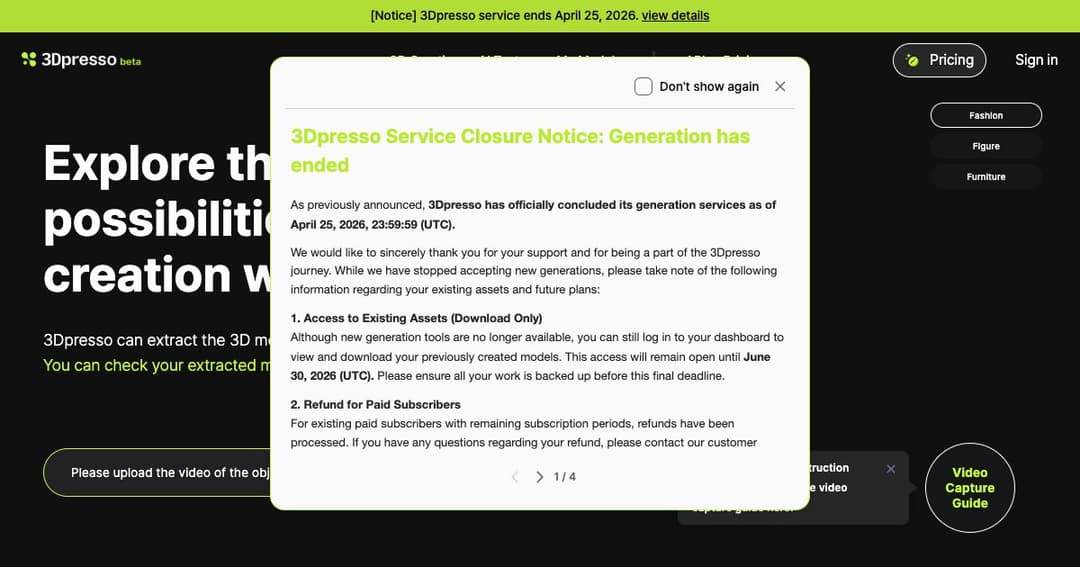
3Dpresso simplifies 3D modeling by letting you convert a 1-minute video into a fully rendered 3D model. It’s designed for creators, designers, and developers who need fast, accurate 3D assets without the time and complexity of traditional modeling tools.
With just a smartphone and the 3Dpresso Capture App, you can scan real-world objects and generate 3D models for use in digital design, gaming, virtual showrooms, and more. No special equipment or software knowledge required.
Record a short video of your object using a phone or camera, then upload it to 3Dpresso. The AI processes the footage to extract depth, shape, and texture information, automatically generating a 3D model.
Once processing is complete, your model appears on the «My Models» page. From there, you can view, edit, or download your 3D asset for use in Blender, game engines, or 3D visualization platforms.
From recording to completed model, the process takes only minutes. This rapid turnaround lets creators generate assets on the fly, without waiting for traditional modeling timelines.
3Dpresso not only builds accurate 3D geometry—it also applies textures using AI. The result is a detailed, realistic model ready for animation or product rendering.
The 3Dpresso iOS Capture App improves scan quality and ensures smoother processing. Users can directly upload video footage from their phone to their account, streamlining the workflow even further.
Designers can capture clothing, footwear, or accessories and generate realistic 3D representations for digital catalogs, virtual fitting rooms, or prototyping.
Artists and game developers use 3Dpresso to turn real-life figures into fully rigged 3D models. These can be animated and imported into popular engines like Unity or Unreal.
Scan chairs, tables, or décor and transform them into digital assets for virtual staging, e-commerce previews, or interior design mockups.
An upcoming «Immersive View» feature will allow users to interact with models in a virtual 360° space, offering a more realistic and detailed examination of each design.
For developers looking to integrate 3Dpresso into their own apps or platforms, an API is available—making large-scale or automated 3D modeling solutions possible.
3Dpresso provides video guides to help users get the most out of the platform, including tutorials on Blender workflows, animation, and model enhancement.