
AiComment
AiComment: Ferramenta de engajamento do Twitter com IA não está mais disponível
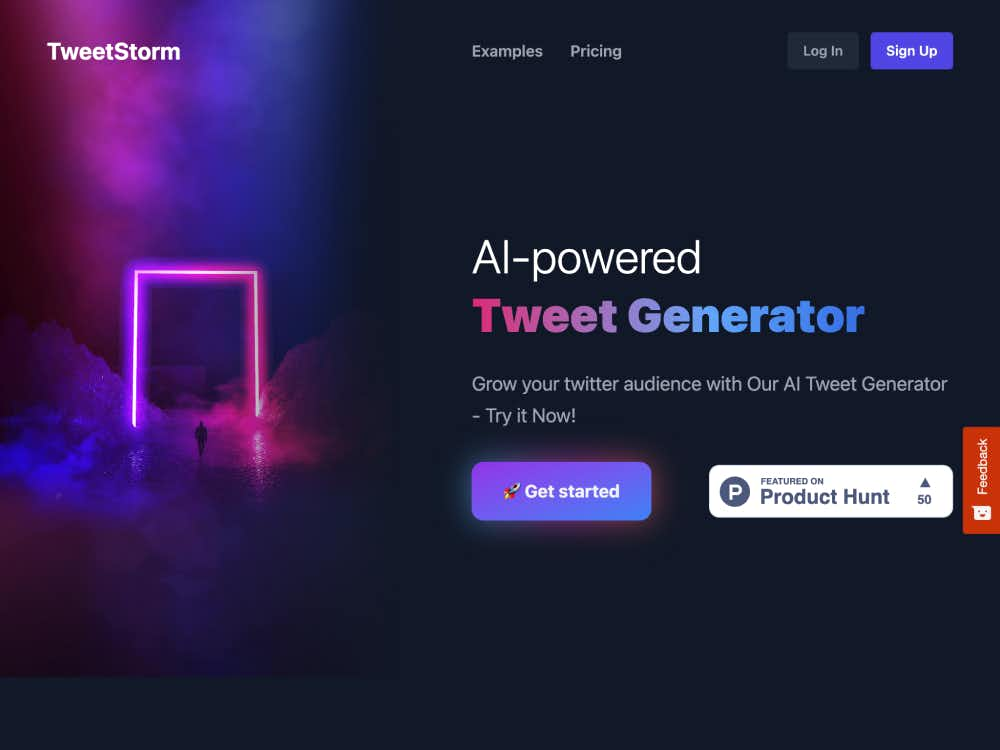
Gere tweets, respostas e hashtags em segundos com a extensão e plataforma de navegador com inteligência artificial do TweetStorm. Aumente o engajamento e otimize sua presença no Twitter sem esforço.
O TweetStorm é um poderoso gerador de tweets com IA, projetado para criar conteúdo envolvente para o Twitter de forma rápida e fácil. Disponível como extensão para navegador e plataforma web, o TweetStorm ajuda os usuários a criar tweets de alta qualidade, respostas inteligentes e hashtags relevantes com o mínimo de esforço.
Criadores de conteúdo, empresas, profissionais de marketing e qualquer pessoa que deseje construir uma forte presença no Twitter podem usar o TweetStorm para economizar tempo, manter a consistência e se conectar com um público mais amplo por meio da geração inteligente de tweets.
O TweetStorm utiliza inteligência artificial avançada para gerar tweets e respostas atraentes com base nas suas informações. Selecione diferentes tons, tamanhos de tweets e personalize seu conteúdo para que ele reflita a voz da sua marca.
Com a extensão TweetStorm para Chrome e Firefox, os usuários podem gerar tweets e respostas diretamente do site do Twitter, tornando a criação de conteúdo simples e intuitiva.
O TweetStorm ajuda você a manter um feed do Twitter ativo e envolvente sem precisar passar horas pensando em ideias. Seu mecanismo de IA garante que suas postagens sejam atuais, relevantes e personalizadas para o seu público.
Use o gerador de hashtags com IA do TweetStorm para descobrir hashtags relevantes que amplifiquem a visibilidade do seu conteúdo e conectem você a conversas em alta.
Acesse facilmente seus tweets e respostas anteriores com o recurso de histórico. Usuários gratuitos podem visualizar as últimas cinco gerações, enquanto usuários premium têm acesso ilimitado.
Escolha entre tweets curtos, médios e longos para atender às suas necessidades e gere respostas em vários tons para se adequar a diferentes estratégias de engajamento.
Comece com afirmações ou perguntas que chamem a atenção para atrair os leitores para o seu tweet.
Os emojis podem aprimorar a conexão emocional e o apelo visual quando usados com moderação e estratégia.
Convide seu público a responder, participar de enquetes ou compartilhar suas opiniões para fomentar um engajamento mais profundo.
Monitore o desempenho dos seus tweets para identificar o que mais repercute no seu público e aprimore sua estratégia ao longo do tempo.