
Draw3D
Draw3D: AI-संचालित 3D ड्राइंग और विज़ुअलाइज़ेशन टूल
मुफ़्त
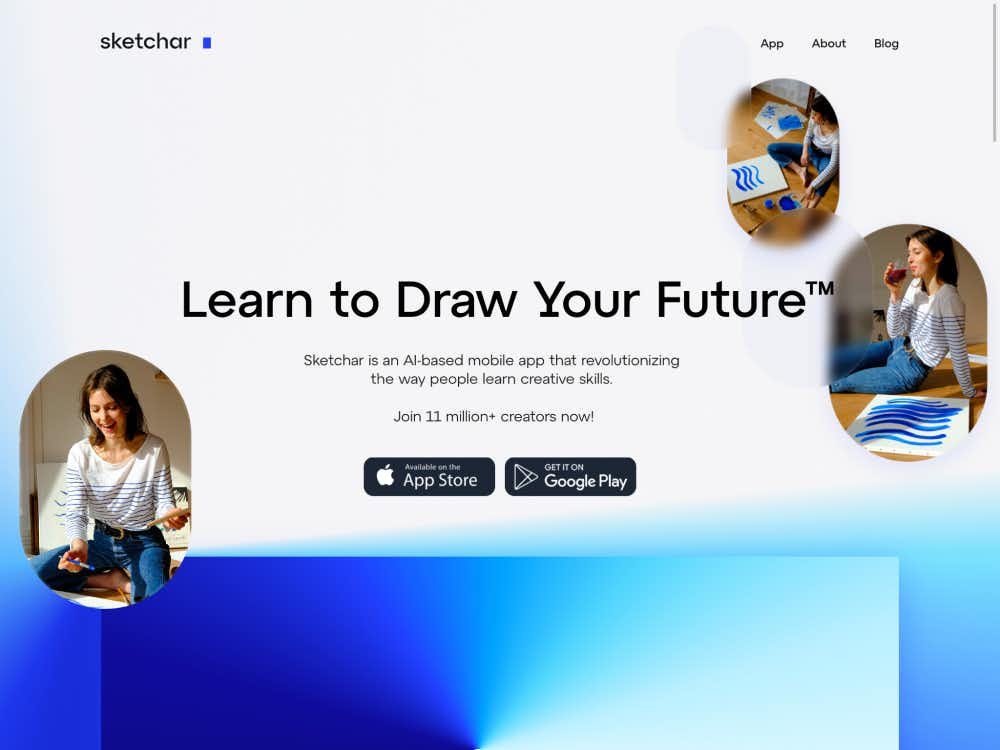
स्केचर एक अग्रणी एआर ड्राइंग ऐप है जो आपको ऑगमेंटेड रियलिटी का उपयोग करके तेज़ी से ड्राइंग सीखने में मदद करता है। 750+ पाठों तक पहुँचें, किसी भी सतह पर ड्राइंग करें और एक रचनात्मक वैश्विक समुदाय में शामिल हों।
स्केचर एक अभिनव मोबाइल ऐप है जो कला को संवर्धित वास्तविकता (ऑगमेंटेड रियलिटी) के साथ मिलाकर लोगों को चित्रकारी सीखने में मदद करता है। चाहे आप AR से ट्रेसिंग कर रहे हों या डिजिटल कैनवास से मुक्तहस्त चित्रकारी कर रहे हों, यह ऐप रचनात्मक कौशल विकसित करने का एक नया तरीका प्रदान करता है। यह सभी के लिए डिज़ाइन किया गया है—शुरुआती कलाकारों से लेकर अनुभवी कलाकारों तक।
दुनिया भर के 12 मिलियन से ज़्यादा उपयोगकर्ता स्केचर के प्लेटफ़ॉर्म से जुड़ चुके हैं। इस ऐप का इस्तेमाल शौकिया, छात्र, पेशेवर चित्रकार और शिक्षक व्यापक रूप से करते हैं जो ड्राइंग सिखाने और अभ्यास करने के आकर्षक तरीके खोज रहे हैं।
स्केचर आपके डिवाइस के कैमरे के ज़रिए आभासी छवियों को वास्तविक सतहों पर प्रक्षेपित करने के लिए पेटेंटेड AR तकनीक का उपयोग करता है। आप इन प्रक्षेपणों को सीधे कागज़, दीवारों या यहाँ तक कि कपड़े पर भी अंकित कर सकते हैं। यह सुविधा अनुपातों का अभ्यास और आकृतियों को समझना आसान बनाती है।
AR के अलावा, स्केचर में एक पूर्ण-विशेषताओं वाला डिजिटल कैनवास भी शामिल है। लेयर्स, स्ट्रोक स्मूथिंग और एक अनोखा लिक्विड ब्रश जैसे टूल डिजिटल चित्रण के लिए आवश्यक सभी सुविधाएँ प्रदान करते हैं। आप AR व्यूअर का उपयोग करके अपनी ड्राइंग प्रक्रिया को रिकॉर्ड भी कर सकते हैं और कलाकृतियों का पूर्वावलोकन भी कर सकते हैं।
इस प्लेटफ़ॉर्म में एनीमे, जानवरों, पोर्ट्रेट और लैंडस्केप जैसे लोकप्रिय विषयों पर 750 से ज़्यादा संरचित पाठ शामिल हैं। प्रत्येक पाठ स्पष्ट मार्गदर्शन प्रदान करता है, जिससे इसे समझना और अपनी गति से सुधार करना आसान हो जाता है।
शिक्षार्थियों को प्रेरित रखने के लिए, स्केचर एक गेमीफाइड रोडमैप प्रदान करता है। यह व्यक्तिगत योजना पाठों की अनुशंसा करती है और आपकी प्रगति पर नज़र रखती है, जिससे आपको चरण-दर-चरण विशिष्ट ड्राइंग कौशल विकसित करने में मदद मिलती है।
स्केचर कई उपयोगकर्ताओं को एक ही प्रोजेक्ट पर एक साथ काम करने में सक्षम बनाता है। चाहे आप अपनी कला को साथियों के साथ साझा कर रहे हों या मिलकर कुछ बना रहे हों, यह फ़ंक्शन टीमवर्क और सीखने को बढ़ावा देता है।
स्केचचर शिक्षकों के लिए एक शक्तिशाली उपकरण है। शिक्षक एआर प्रोजेक्शन का उपयोग करके छात्रों का मार्गदर्शन कर सकते हैं, जिससे उन्हें रेखाचित्र और आकृति संरचना समझने में मदद मिलती है। यह ऐप कला कक्षाओं और दूरस्थ शिक्षण वातावरण में स्वाभाविक रूप से फिट बैठता है।
उपयोगकर्ता अपनी कलाकृतियाँ अपलोड कर सकते हैं, एक सार्वजनिक प्रोफ़ाइल बना सकते हैं और फ़ॉलोअर्स प्राप्त कर सकते हैं। स्केचर समुदाय साप्ताहिक चुनौतियाँ और अन्य कलाकारों की कृतियों को देखने का एक मंच प्रदान करता है। यह एक कलाकार के रूप में विकसित होने और प्रेरणा पाने का एक स्थान है।
स्केचर से जुड़कर, उपयोगकर्ता दुनिया भर के अन्य रचनात्मक लोगों के साथ बातचीत कर सकते हैं। चाहे वह प्रतियोगिताओं, प्रतिक्रिया या सहयोग के माध्यम से हो, समुदाय तत्व आपकी कलात्मक यात्रा को मज़बूत बनाता है।
सिर्फ़ एक स्मार्टफ़ोन या टैबलेट से, आप स्केचर की पूरी AR ड्राइंग कार्यक्षमता का लाभ उठा सकते हैं। एक इमेज चुनें, उसे किसी सतह पर प्रोजेक्ट करें, और ट्रेसिंग शुरू करें—यह इतना आसान है।
स्केचर माइक्रोसॉफ्ट होलोलेंस और मेटा क्वेस्ट जैसे उन्नत हेडसेट्स के लिए भी उपलब्ध है। ये संस्करण इमर्सिव 3D ड्राइंग अनुभव प्रदान करते हैं, जिससे कलाकार वॉल्यूमेट्रिक स्पेस का अन्वेषण कर सकते हैं और अभूतपूर्व रूप से रूपों के साथ प्रयोग कर सकते हैं।