
Sketchar
स्केचर: संवर्धित वास्तविकता के साथ तेज़ी से चित्र बनाना सीखें
मुफ़्त
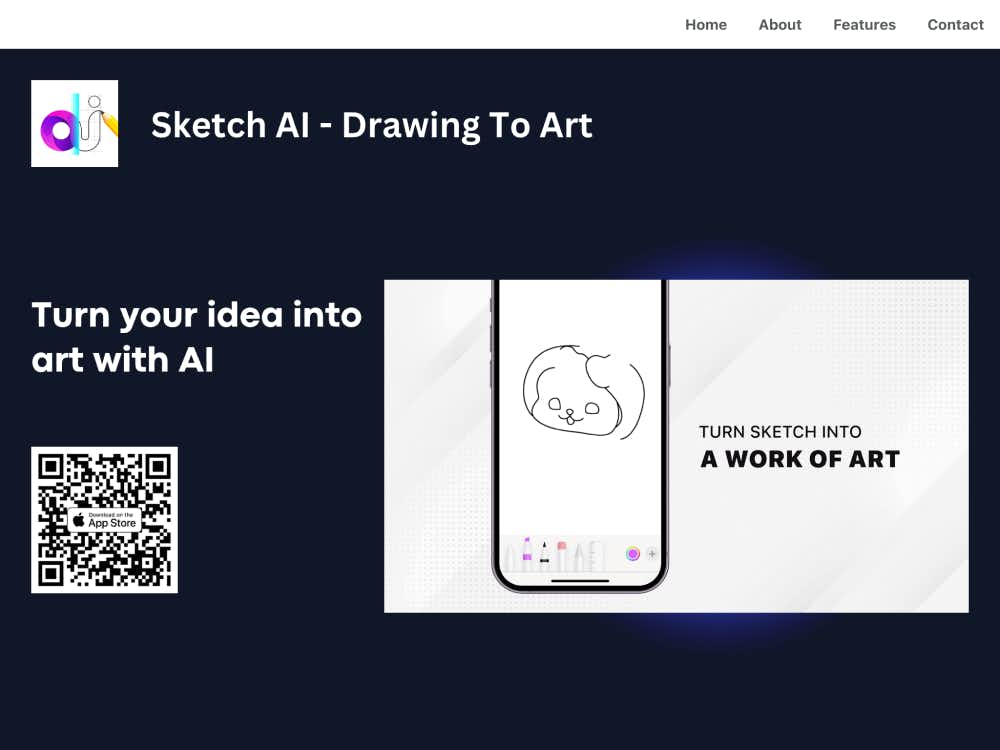
स्केच एआई के साथ पेंसिल चित्रों को खूबसूरत डिजिटल कलाकृतियों में बदलें। बस चित्र बनाएँ, वर्णन करें, और एआई को कुछ ही सेकंड में आपके विचारों को जीवंत करने दें।
स्केच एआई एक शक्तिशाली ड्राइंग-टू-आर्ट कन्वर्टर है जो आपके हाथ से बनाए गए रेखाचित्रों को पूरी तरह से रेंडर किए गए डिजिटल आर्टवर्क में बदल देता है। चाहे आप विचारों को चित्रित कर रहे हों या जटिल रचनाओं की रूपरेखा बना रहे हों, स्केच एआई उन्नत कृत्रिम बुद्धिमत्ता की मदद से आपकी रचनात्मकता को जीवंत बनाता है।
स्केच एआई डिज़ाइनरों, चित्रकारों, छात्रों और शौक़ीन लोगों के लिए आदर्श है जो कुशलतापूर्वक कलाकृतियाँ बनाना चाहते हैं। यह आपके मूल रेखाचित्रों को वर्णनात्मक संकेतों के साथ मिलाकर, आपके फ़ोन से ही, कुछ ही सेकंड में अनूठी और भावपूर्ण कलाकृतियाँ तैयार करता है।
आप सीधे ऐप में चित्र बना सकते हैं या अपने स्केच की तस्वीर अपलोड कर सकते हैं। चाहे वह पेंसिल से बनाई गई कोई रफ आउटलाइन हो या कोई विस्तृत चित्र, Sketch AI आपके इनपुट की संरचना और रूप को पहचान लेता है।
अपनी कल्पना का संक्षिप्त विवरण लिखें। AI आपके स्केच को आपके प्रॉम्प्ट के साथ मिलाकर आपके इरादे को बेहतर ढंग से समझेगा और उसके अनुसार अंतिम कलाकृति तैयार करेगा।
जनरेट बटन दबाएँ और बस कुछ सेकंड प्रतीक्षा करें। स्केच AI आपके स्केच और प्रॉम्प्ट को प्रोसेस करके आपकी रचनात्मक दिशा के अनुरूप एक आकर्षक डिजिटल इमेज तैयार करता है।
यह ऐप आपके स्केच के आकार, रेखाओं और प्रवाह का पता लगाने के लिए आधुनिक एआई मॉडल का लाभ उठाता है, तथा इसे सुसंगत संरचना और शैली के साथ अभिव्यंजक डिजिटल कला में परिवर्तित करता है।
स्केच एआई कई तरह की कला शैलियों का समर्थन करता है—अमूर्त और आधुनिक से लेकर यथार्थवादी और काल्पनिक तक। वह माहौल चुनें जो आप अपनी अंतिम कृति में दिखाना चाहते हैं।
मोबाइल के लिए निर्मित यह ऐप, कुछ ही टैप में तीव्र स्केचिंग, त्वरित इनपुट और रेंडरिंग के लिए एक सहज, न्यूनतम इंटरफ़ेस प्रदान करता है।
यदि आप रचनात्मक अवरोधों का सामना कर रहे हैं, तो स्केच एआई आपके स्केच के कई अनूठे प्रस्तुतीकरण उत्पन्न कर सकता है, जिससे आपको नए दृष्टिकोण और डिज़ाइन विकल्प मिलेंगे।
पूर्ण डिजिटल पेंटिंग कौशल की आवश्यकता के बिना विचारों को शीघ्रता से परिष्कृत दृश्य अवधारणाओं में बदलें।
इस उपकरण का उपयोग दृश्य कहानी सुनाने, डिजाइन सोच सिखाने या कक्षा में रचनात्मकता को प्रोत्साहित करने के लिए करें।
केवल पेंसिल स्केच और टेक्स्ट प्रॉम्प्ट का उपयोग करके ब्रांडिंग, चरित्र डिजाइन या दृश्य निर्माण के लिए दृश्य परिसंपत्तियों का तेजी से प्रोटोटाइप बनाएं।
ब्लॉग, सोशल मीडिया और कहानी कहने की परियोजनाओं के लिए अद्वितीय डिजिटल चित्र तैयार करें — अपने स्वयं के रफ स्केच से शुरुआत करें।
सामान्य AI छवि जनरेटरों के विपरीत, जो केवल संकेतों पर निर्भर करते हैं, स्केच AI आपको अधिक सटीक रचनात्मक नियंत्रण देने के लिए स्केच पहचान को भाषा इनपुट के साथ जोड़ता है।
यह ऐप अवधारणा से लेकर अंतिम कलाकृति तक के समय को काफी कम कर देता है, जिससे यह पेशेवरों के लिए एक व्यावहारिक उपकरण और शौकियों के लिए एक मनोरंजक खेल का मैदान बन जाता है।
स्केच एआई नवीनतम एआई मॉडल और सुविधाओं के साथ अद्यतन रहता है, तथा रेंडरिंग गुणवत्ता, गति और उपयोगकर्ता अनुभव में निरंतर सुधार करता रहता है।