
Sketchar
Sketchar: Lerne schneller zeichnen mit Augmented Reality
Kostenlos
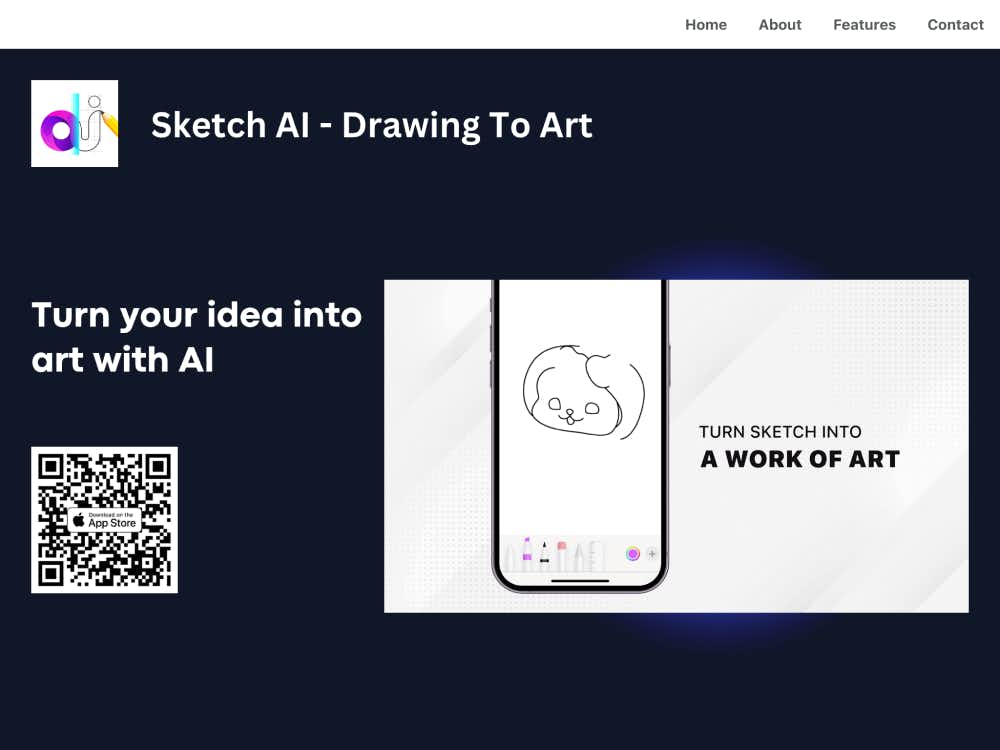
Verwandeln Sie Bleistiftzeichnungen mit Sketch AI in wunderschöne digitale Kunstwerke. Zeichnen Sie einfach, beschreiben Sie Ihre Ideen und lassen Sie die KI diese in Sekundenschnelle zum Leben erwecken.
Sketch AI ist ein leistungsstarker Konverter, der Ihre handgezeichneten Skizzen in vollständig gerenderte digitale Kunstwerke verwandelt. Egal, ob Sie Ideen skizzieren oder komplexe Kompositionen entwerfen — Sketch AI erweckt Ihre Kreativität mithilfe fortschrittlicher künstlicher Intelligenz zum Leben.
Sketch AI ist ideal für Designer, Illustratoren, Studenten und Hobbykünstler, die effizient Kunstwerke erstellen möchten. Es kombiniert Ihre Originalskizzen mit beschreibenden Vorgaben und erzeugt so in Sekundenschnelle einzigartige und ausdrucksstarke Kunstwerke direkt auf Ihrem Smartphone.
Sie können entweder direkt in der App zeichnen oder ein Foto Ihrer Skizze hochladen. Egal ob grobe Bleistiftskizze oder detaillierte Zeichnung — Sketch AI erkennt Struktur und Form Ihrer Eingabe.
Geben Sie eine kurze Beschreibung Ihrer Vision ein. Die KI kombiniert Ihre Skizze mit Ihrer Vorgabe, um Ihre Absicht besser zu verstehen und das endgültige Kunstwerk entsprechend zu generieren.
Klicken Sie auf den Generieren-Button und warten Sie einige Sekunden. Sketch AI verarbeitet Ihre Skizze und Ihre Vorgaben, um ein visuell ansprechendes digitales Bild zu erstellen, das Ihrer kreativen Vision entspricht.
Die App nutzt moderne KI-Modelle, um die Formen, Linien und den Fluss Ihrer Skizze zu erkennen und sie in ausdrucksstarke digitale Kunst mit kohärenter Struktur und Stil zu übersetzen.
Sketch AI unterstützt eine Vielzahl von Kunststilen — von abstrakt und modern bis realistisch und fantasievoll. Wählen Sie die Stimmung, die Ihr fertiges Werk widerspiegeln soll.
Die App wurde für mobile Geräte entwickelt und bietet eine reibungslose, minimalistische Benutzeroberfläche für schnelles Skizzieren, prompte Eingabe und Rendering — alles mit nur wenigen Klicks.
Wenn Sie unter kreativen Blockaden leiden, kann Sketch AI mehrere einzigartige Versionen Ihrer Skizze generieren und Ihnen so neue Perspektiven und Designalternativen eröffnen.
Ideen schnell in ansprechende visuelle Konzepte verwandeln, ohne dass dafür umfassende digitale Malkenntnisse erforderlich sind.
Nutzen Sie das Tool, um visuelles Storytelling, Design Thinking zu lehren oder einfach die Kreativität im Klassenzimmer zu fördern.
Erstellen Sie schnell Prototypen visueller Elemente für Branding, Charakterdesign oder Szenengestaltung, indem Sie lediglich Bleistiftskizzen und Textvorgaben verwenden.
Erstellen Sie einzigartige digitale Bilder für Blogs, soziale Medien und Storytelling-Projekte — ausgehend von Ihren eigenen Skizzen.
Im Gegensatz zu typischen KI-Bildgeneratoren, die ausschließlich auf Eingabeaufforderungen basieren, kombiniert Sketch AI Skizzenerkennung mit Spracheingabe, um Ihnen eine präzisere kreative Kontrolle zu ermöglichen.
Die App verkürzt die Zeit von der Konzeption bis zum fertigen Kunstwerk erheblich und ist damit ein praktisches Werkzeug für Profis und ein unterhaltsamer Spielplatz für Hobbykünstler.
Sketch AI wird stets mit den neuesten KI-Modellen und -Funktionen aktualisiert, wodurch die Rendering-Qualität, die Geschwindigkeit und das Benutzererlebnis kontinuierlich verbessert werden.