
Vieutopia
Vieutopia: Kostenlose KI-Kunst- und Avatar-Generator-App für iPhone und iPad
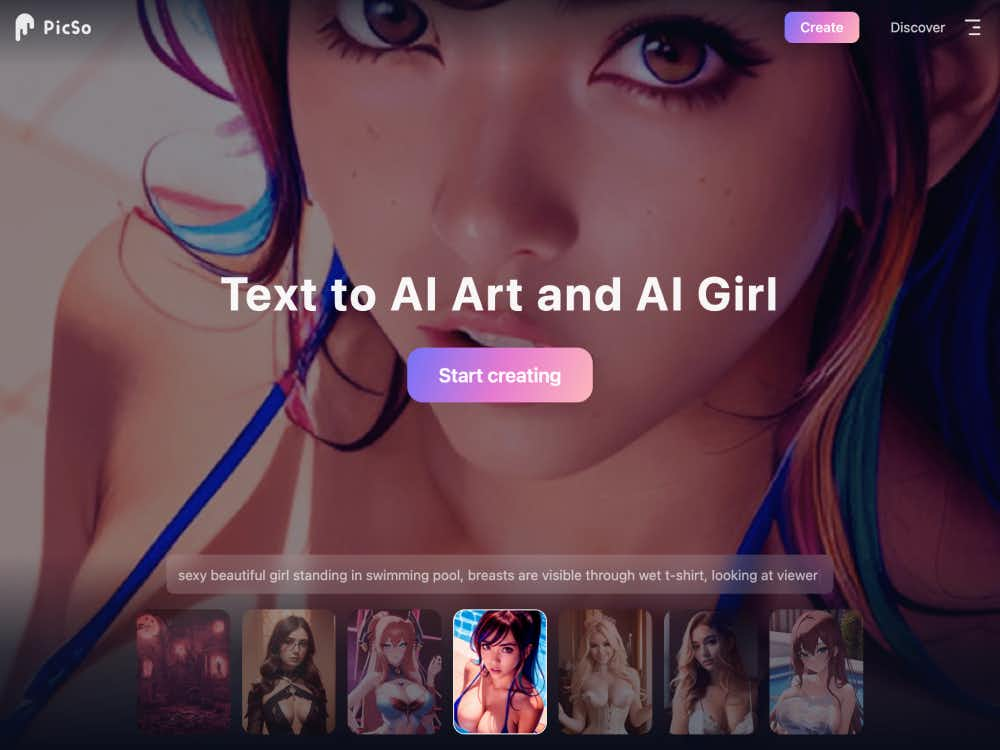
Mit PicSo erstellen Sie beeindruckende KI-Kunstwerke und Porträts anhand von Textvorgaben. Kreieren Sie Fantasieszenen, realistische Porträts und vieles mehr – alles direkt von Ihrem Smartphone oder Desktop-Computer aus.
PicSo ist ein kreatives KI-Tool, das Ihre Texteingaben in hochwertige digitale Kunstwerke und Porträts verwandelt. Ob Sie sich eine Fantasieszene oder eine hyperrealistische Figur vorstellen — PicSo liefert mit minimalem Aufwand visuell beeindruckende Ergebnisse. Es eignet sich sowohl für Gelegenheitsnutzer als auch für digitale Künstler, die kreative Ideen schnell und einfach umsetzen möchten.
PicSo funktioniert nahtlos auf allen Geräten. Sie können ein Projekt auf Ihrem PC beginnen und auf Ihrem Mobilgerät fortsetzen — so können Sie Kunstwerke bequem überall und jederzeit erstellen und bearbeiten. Die Plattform ist für die mobile Nutzung optimiert, ohne Kompromisse bei der Darstellungsqualität oder der kreativen Flexibilität einzugehen.
Geben Sie eine beliebige beschreibende Anweisung ein, und die KI von PicSo generiert eine visuelle Darstellung Ihrer Idee. Von surrealen Landschaften bis hin zu detaillierten Charakterporträts interpretiert das System Texte in verschiedenen künstlerischen Stilen und bietet so eine intuitive Möglichkeit, Fantasie zum Leben zu erwecken.
Mit PicSo können Sie den Ton und die Komplexität Ihrer Kunstwerke steuern. Wählen Sie zwischen verschiedenen Stilen wie Matte Painting, Fantasy-Rendering oder moderner digitaler Kunst. Dadurch eignet es sich für alles, von Social-Media-Inhalten bis hin zu Buchillustrationen.
Mit der KI-Porträtfunktion können Sie digitale Porträts erstellen, die Lichtverhältnisse, Texturen und Gesichtsausdrücke der realen Welt täuschend echt imitieren. Diese Porträts eignen sich für Avatare, Profilbilder und sogar für konzeptionelle Kunstprojekte.
PicSo eignet sich perfekt für die Erschaffung detailreicher Fantasywelten oder Science-Fiction-Umgebungen. Autoren, Gamer und visuelle Geschichtenerzähler können es nutzen, um anhand kurzer Beschreibungen Schauplätze, Charaktere oder sogar ganze Szenen zu konzipieren.
Erstellen Sie stilisierte Avatare oder künstlerische Porträts anhand von Textvorgaben. PicSo ermöglicht Ihnen die individuelle Anpassung von Gesichtszügen, Einstellungen und Stimmungen — ideal für Social-Media-Profile, Storyboards oder kreatives Branding.
Wenn Sie mit neuen Ideen experimentieren, bietet PicSo sofortiges visuelles Feedback. Sie können schnell verschiedene Konzepte erkunden, indem Sie die Aufgabenstellung ändern und die unterschiedlichen Interpretationen der KI vergleichen.
PicSo ist für kreatives Arbeiten unterwegs konzipiert. Dank der mobilen Benutzeroberfläche lassen sich Grafiken ganz einfach auf dem Smartphone erstellen und bearbeiten. Außerdem können Sie Daten zwischen Computer und Mobilgerät synchronisieren, um einen reibungslosen Arbeitsablauf zu gewährleisten.
Die generierten Bilder können heruntergeladen oder direkt in sozialen Netzwerken geteilt werden. Die App fördert die Interaktion in der Community und den kreativen Austausch, indem sie das Präsentieren KI-generierter Inhalte vereinfacht.
PicSo bietet eine Community-basierte Plattform, auf der Nutzer ihre Kreationen teilen, Feedback erhalten und Tipps austauschen können. Nutzer können sich außerdem per E-Mail oder Discord an uns wenden, um Unterstützung zu erhalten oder Funktionsvorschläge einzureichen.
So erstellen Sie Inhalte mit PicSo: